Joomla 3.x UTD: secure, current & still yours kept up to date by the community
An up-to-date distribution of Joomla 3.x. Backported security fixes, PHP up to 8.5, every major database, three new frontend templates, a brand new backend template & a command line your scripts and AI assistants can drive — plus a drop-in upgrade for the Joomla 3.x sites you already run.
1.4 s from command to site, sample data included0 database servers needed (SQLite)101 commands, all with JSON output
// new in v3.18
A lighter core, a stronger site
A new administrator template, Markdown and Blocks editors, a much better Media Manager, PDF files, Little WAF on by default and caching that holds up under real traffic, with no jQuery, MooTools or Bootstrap left in the core. On top of that, 12 security fixes and a long list of bugs stock Joomla 3 never got round to.
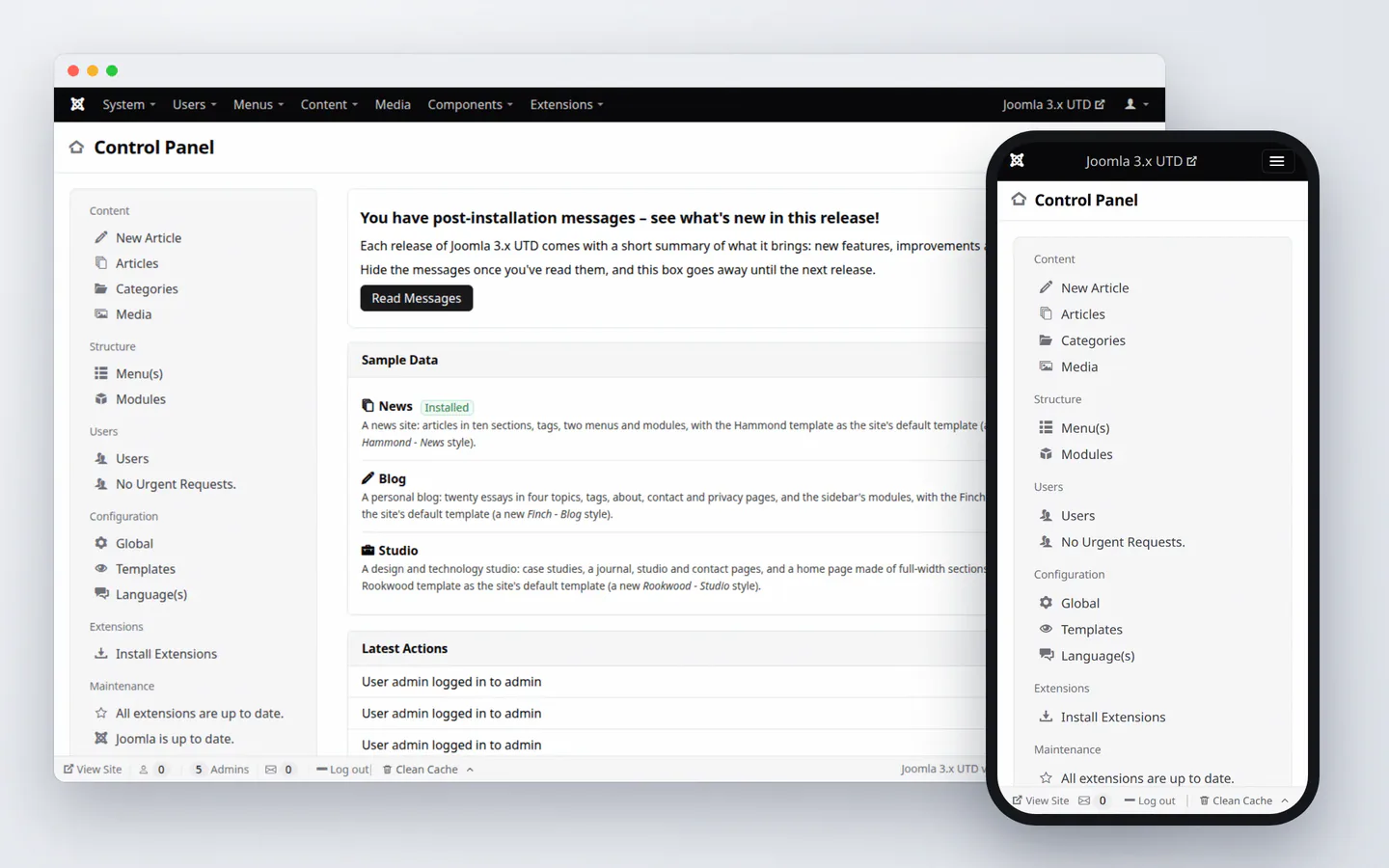
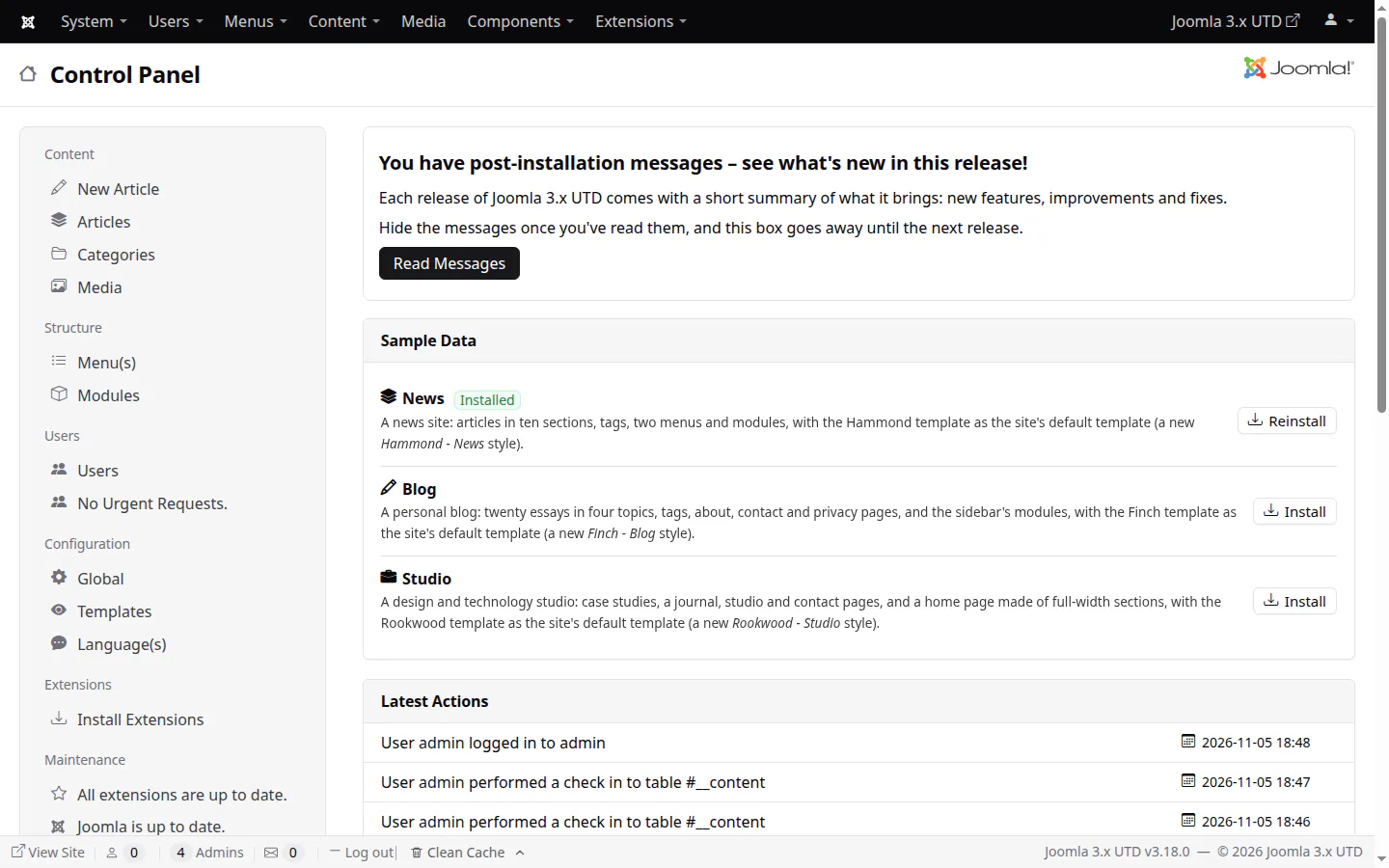
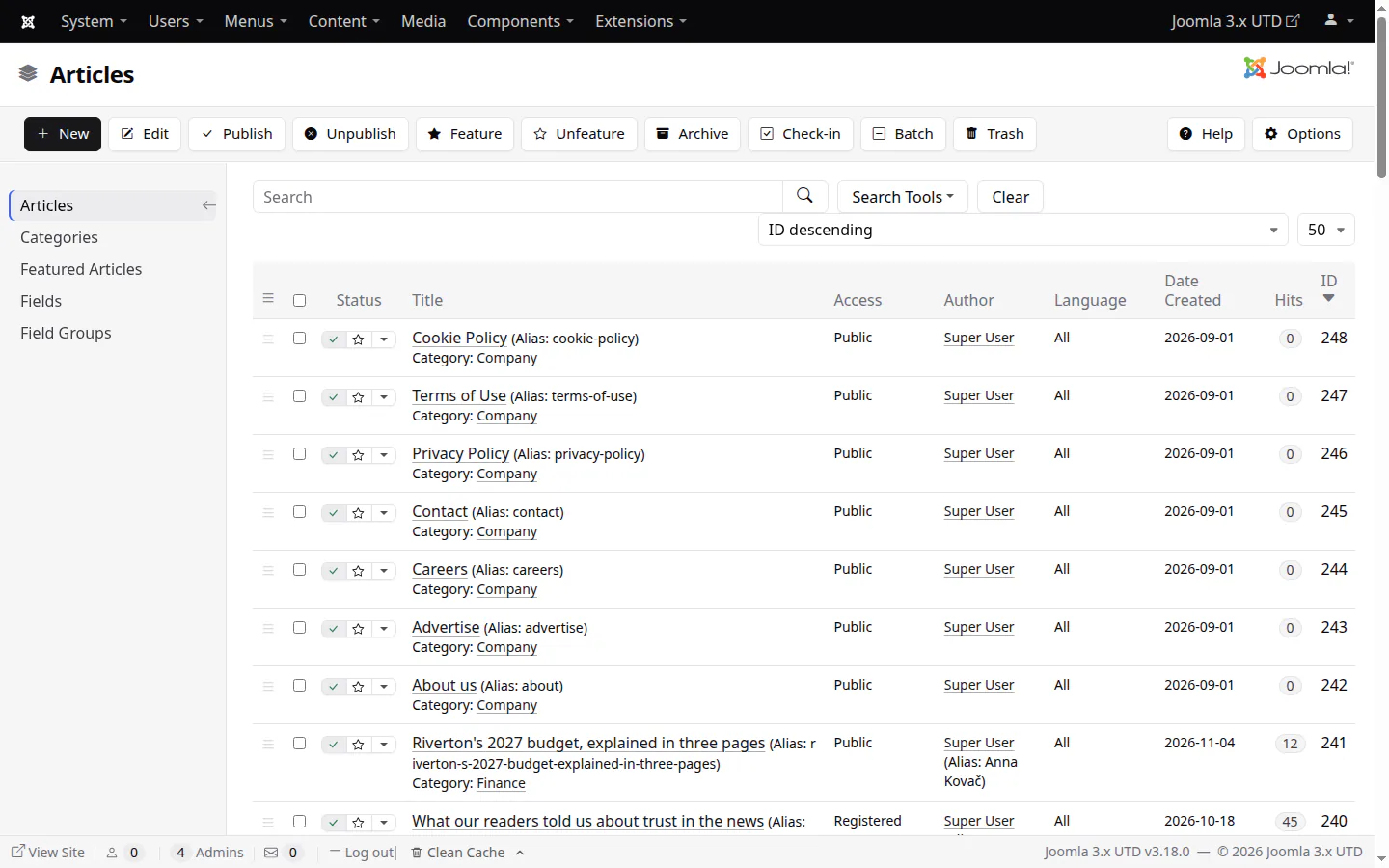
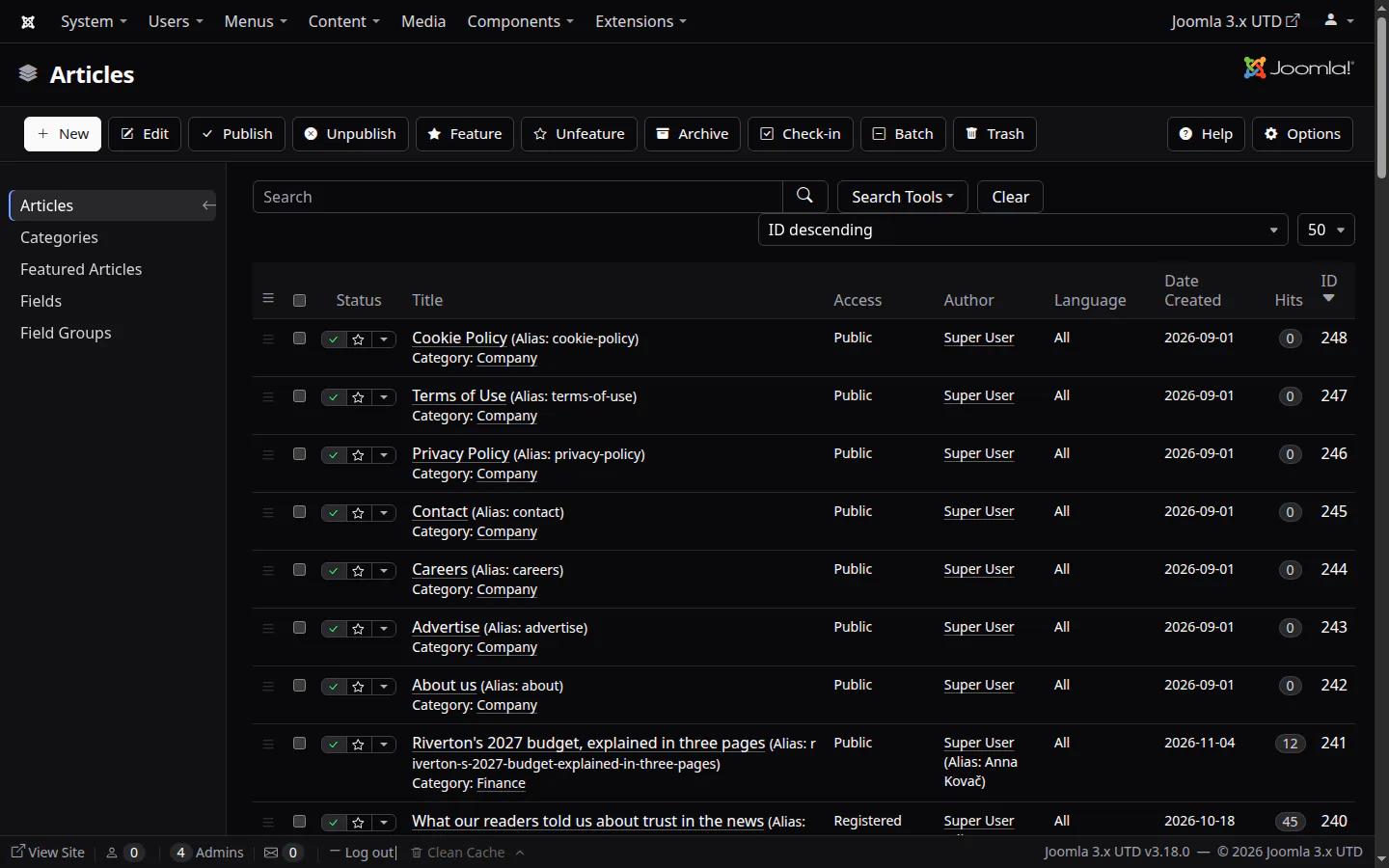
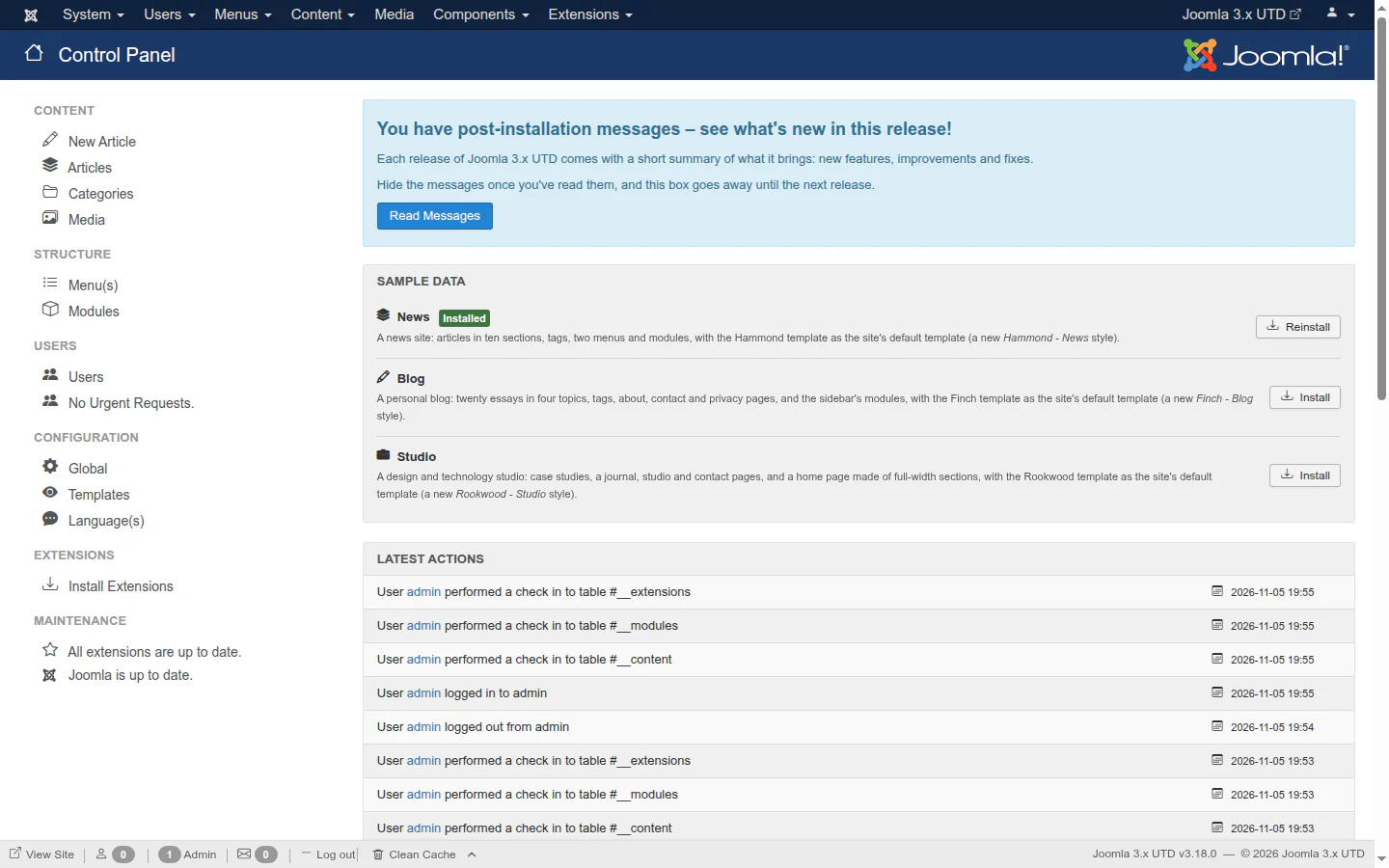
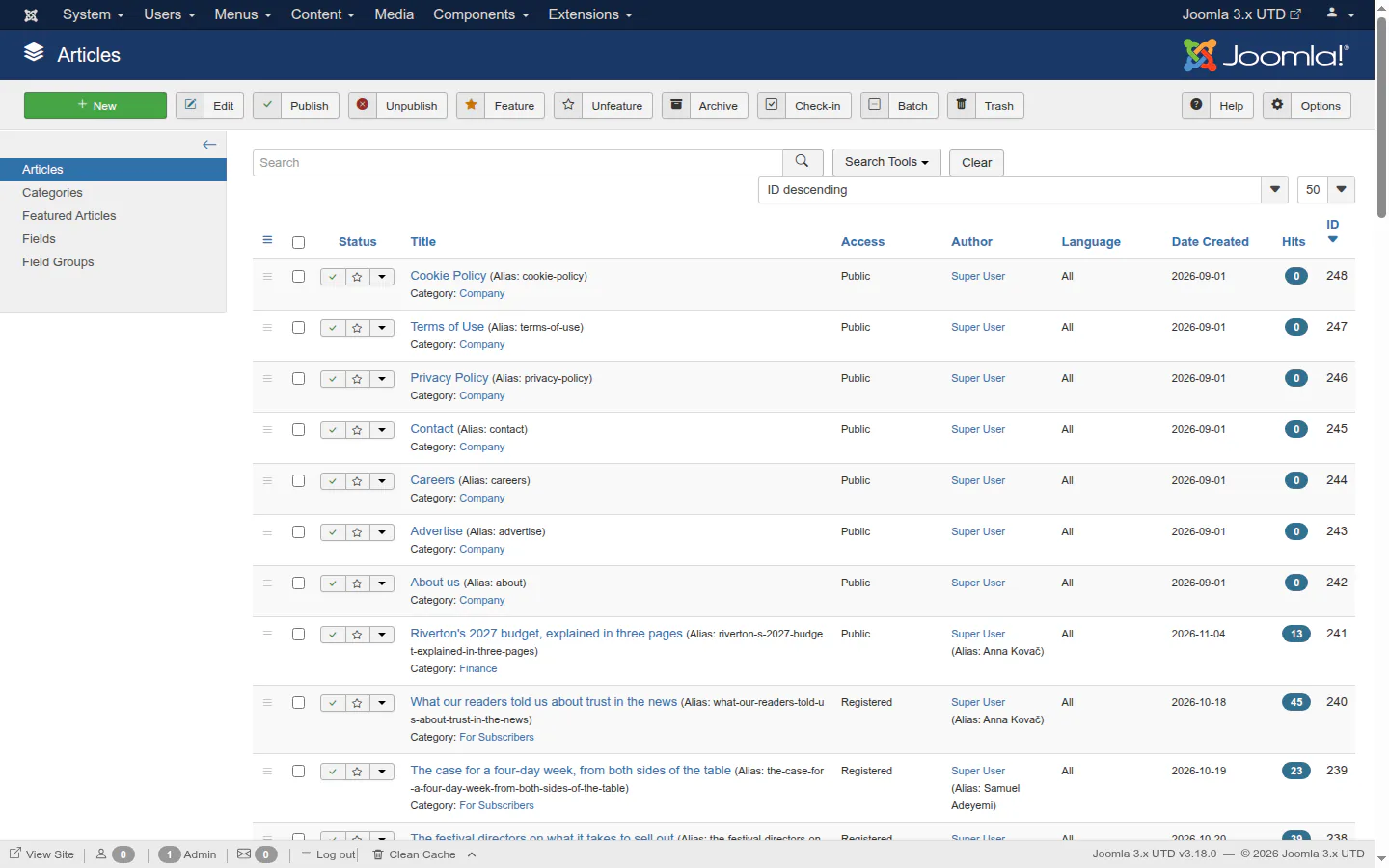
Isis' markup with a minimal black and white look, so every extension made for Isis works unchanged. It's the default on new sites, and sites updating from Isis get it too (Isis stays installed).
Light and dark colour schemes, automatic by default
A choice of colours for the menu bar, and a matching login page
Lists that fit narrow screens, a phone menu in two columns, touch reordering
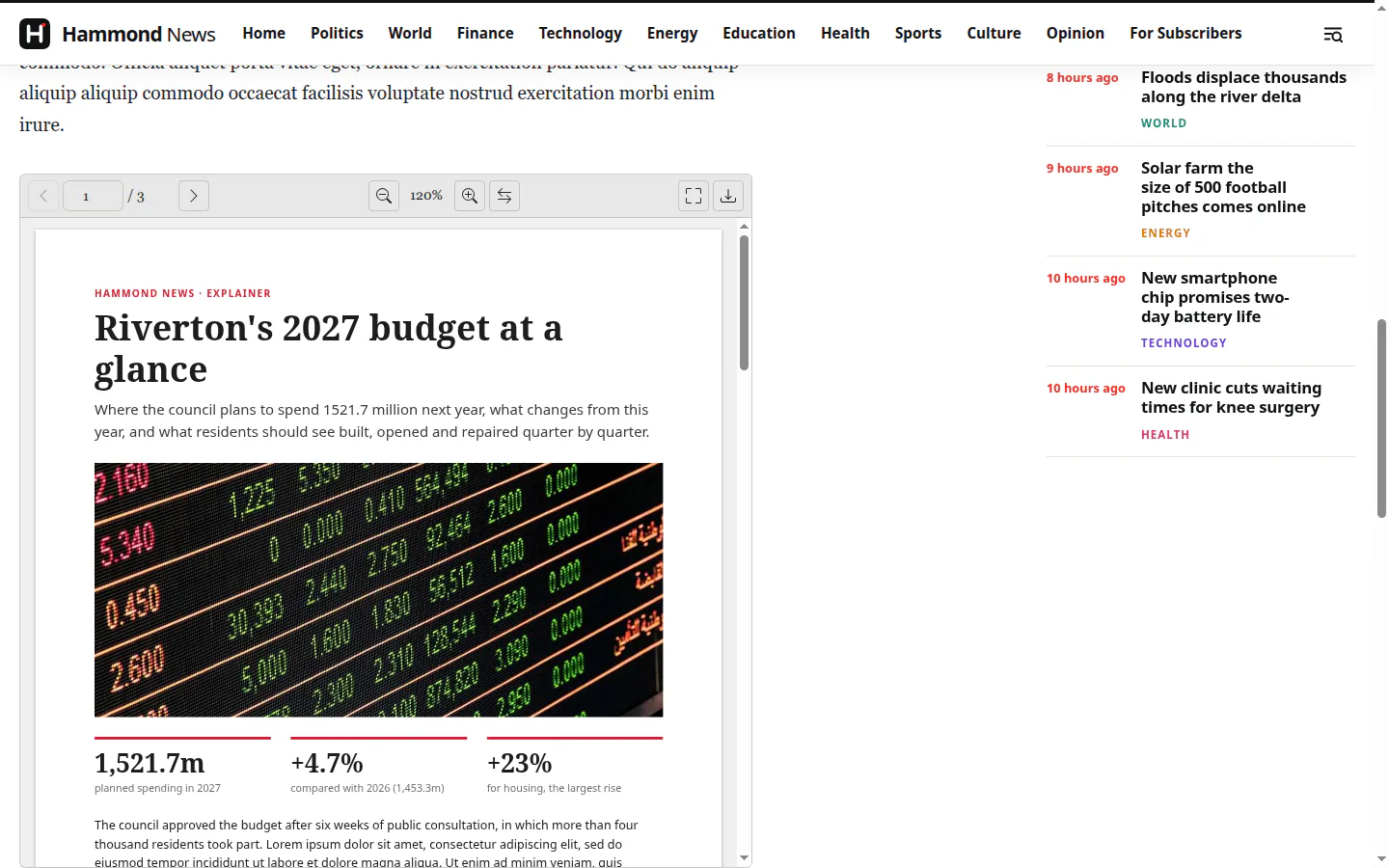
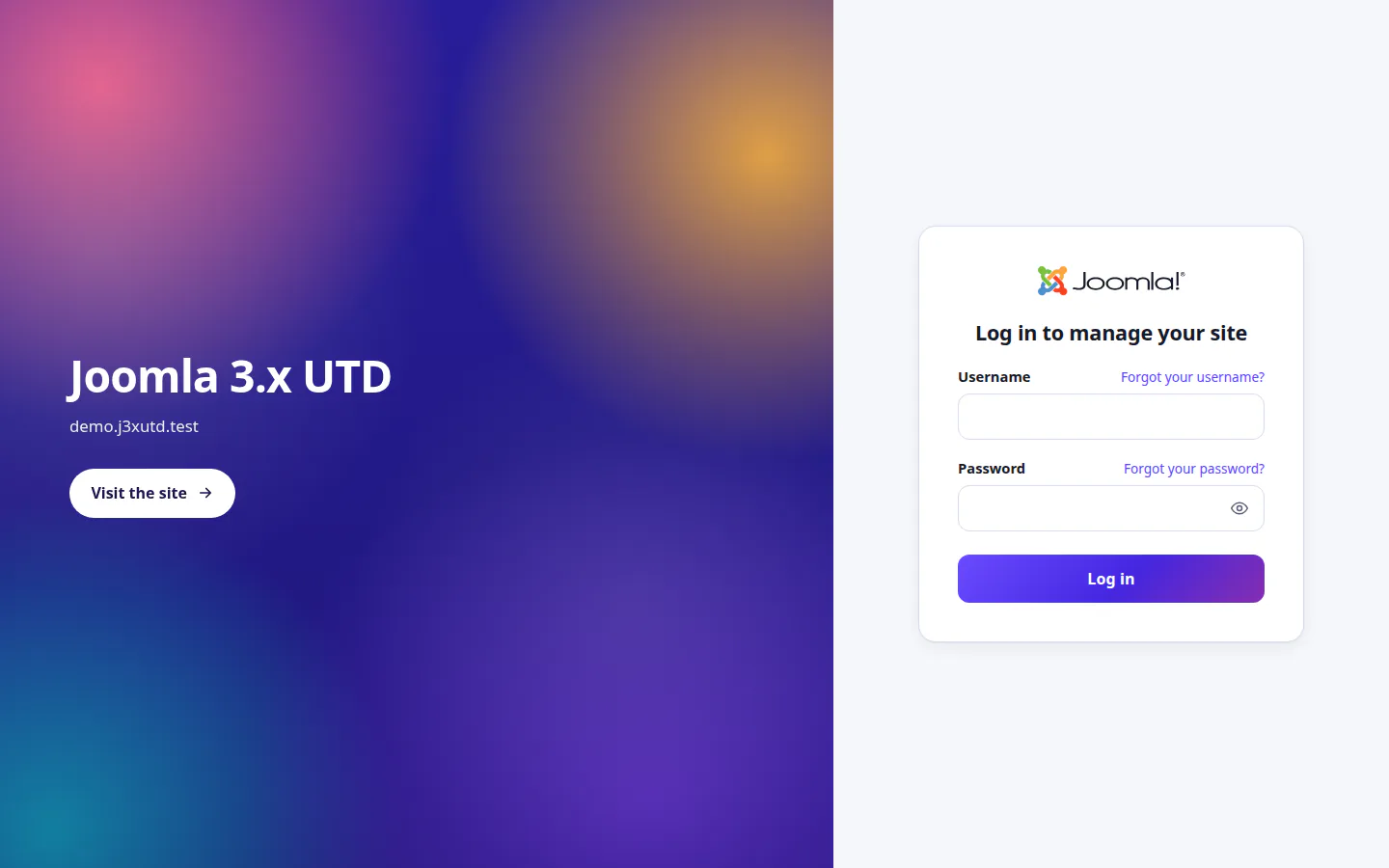
Prothero — desktop and phoneProthero — the Control PanelProthero — the Articles listProthero — dark modeProthero — the login page
content
New editors, and PDF files everywhere
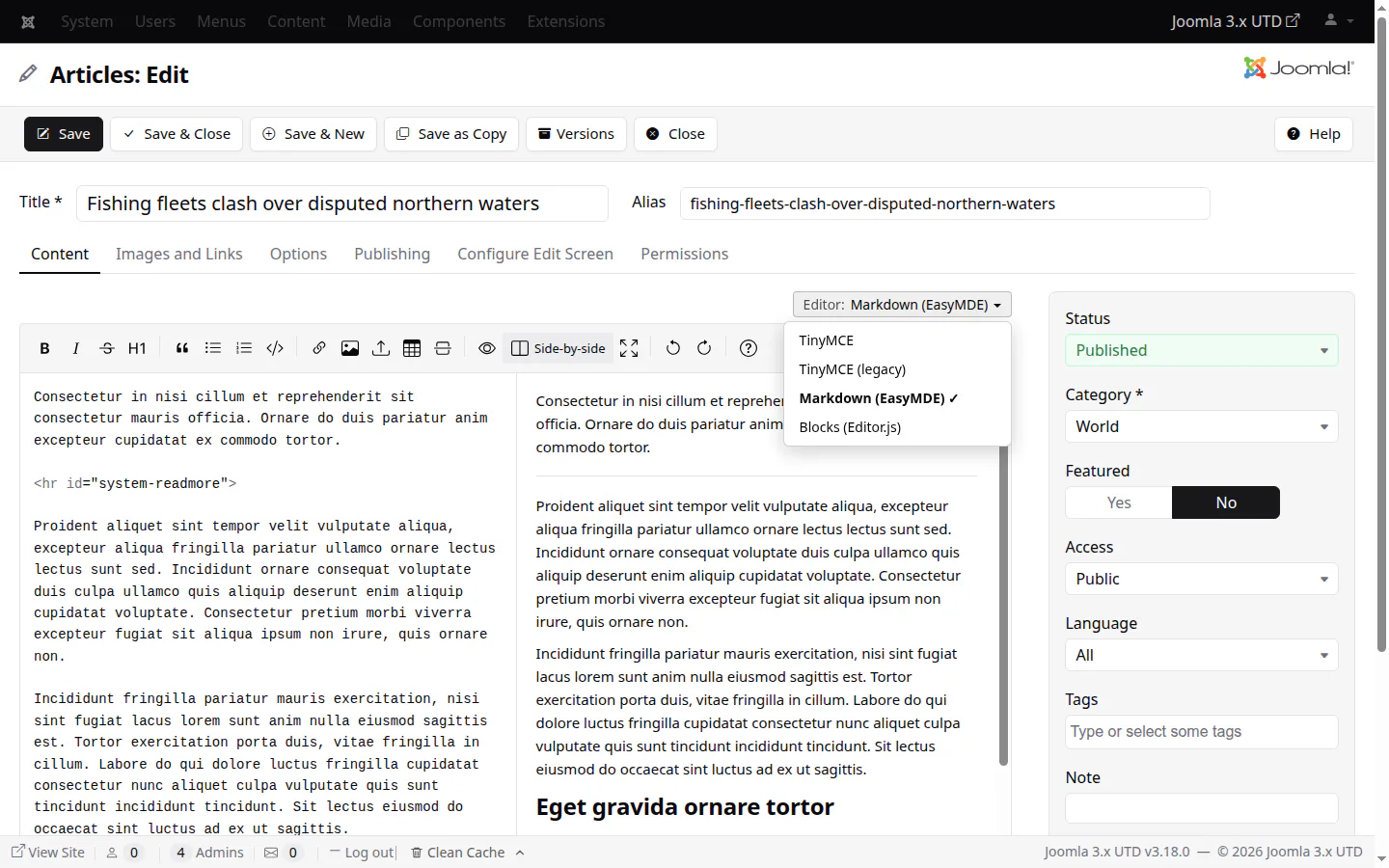
Write in Markdown or in blocks, next to TinyMCE 8, and switch between them while you edit without losing unsaved changes. Content is always saved as HTML.
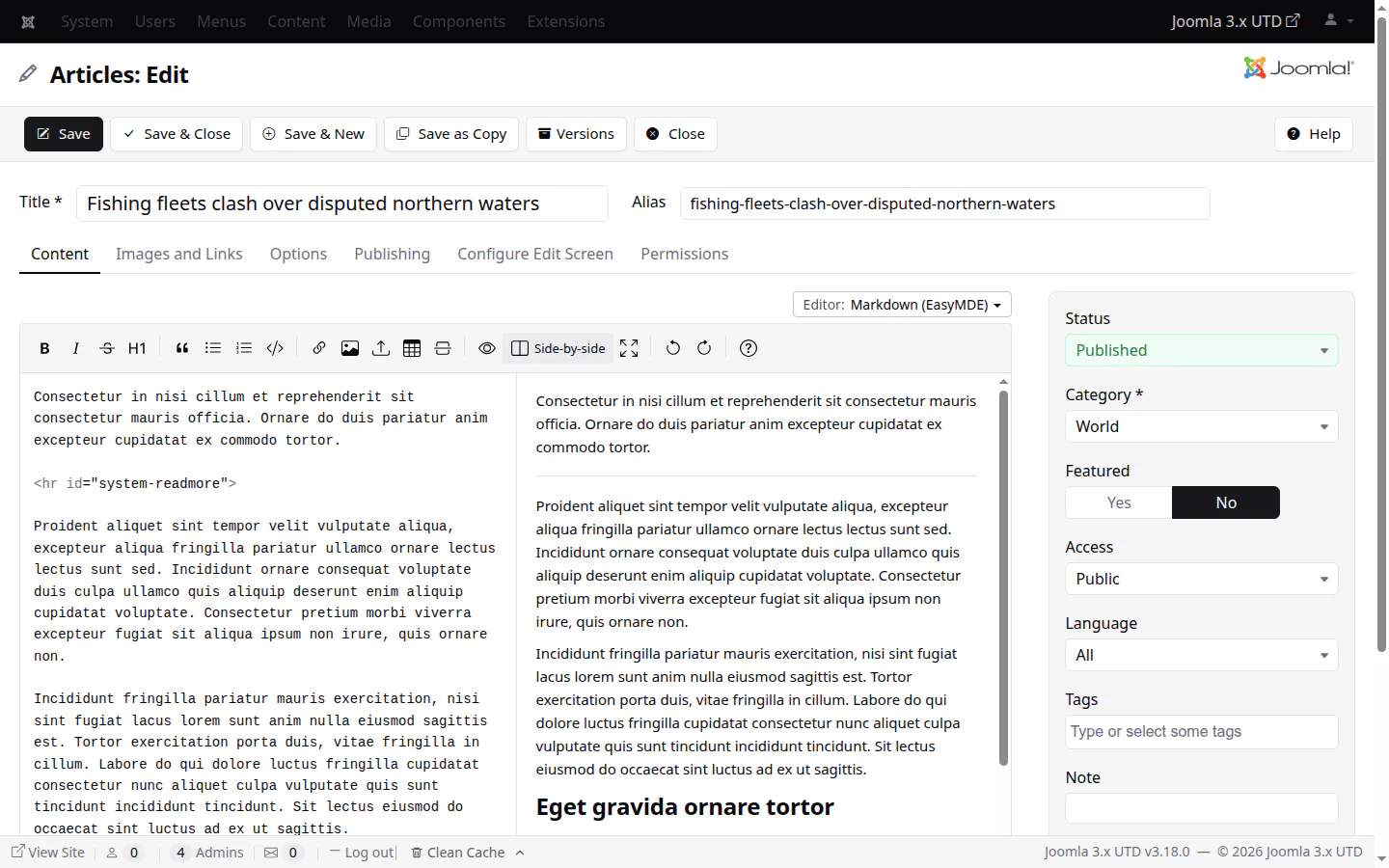
Markdown (EasyMDE): a preview, side by side, drag and drop uploads
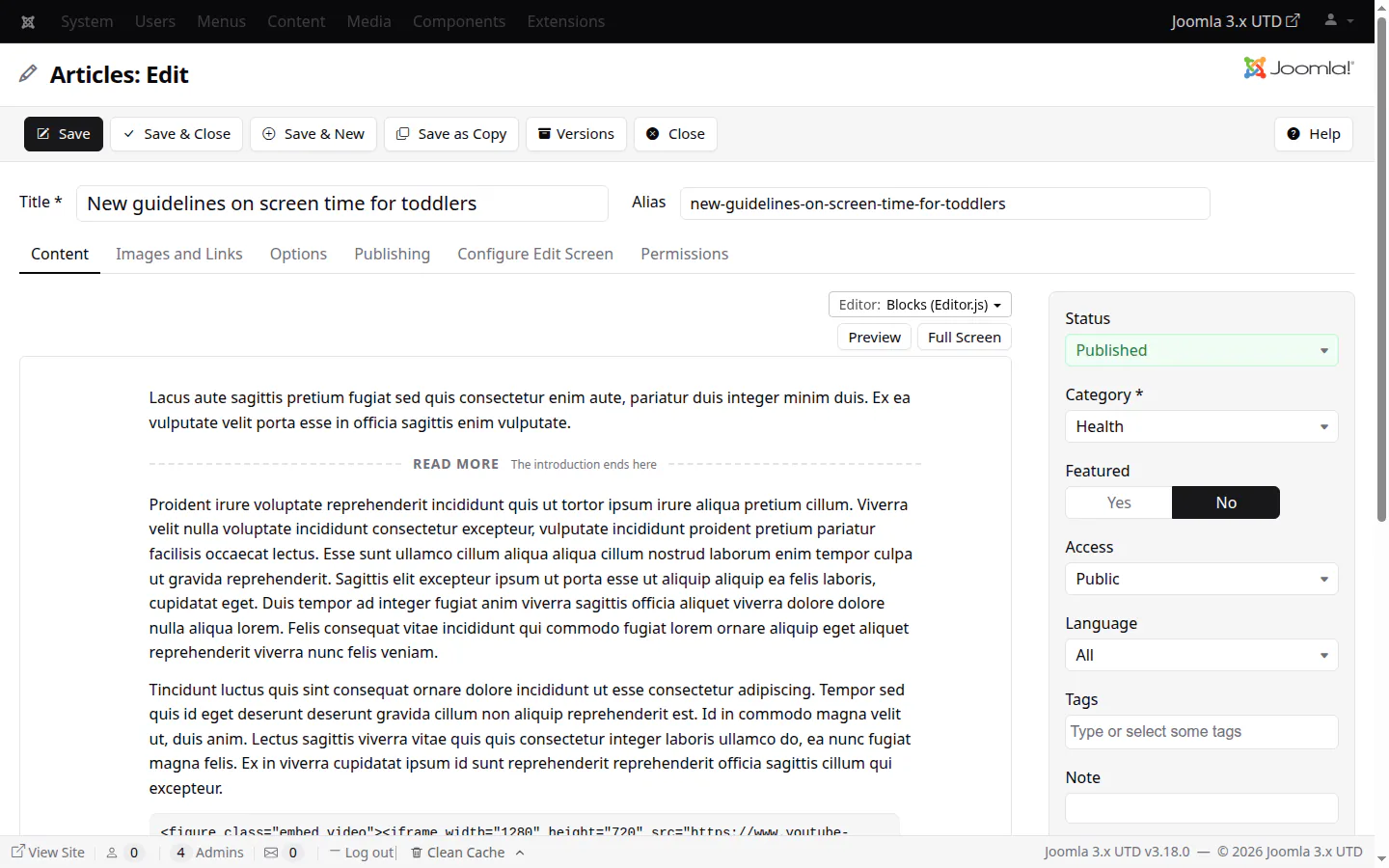
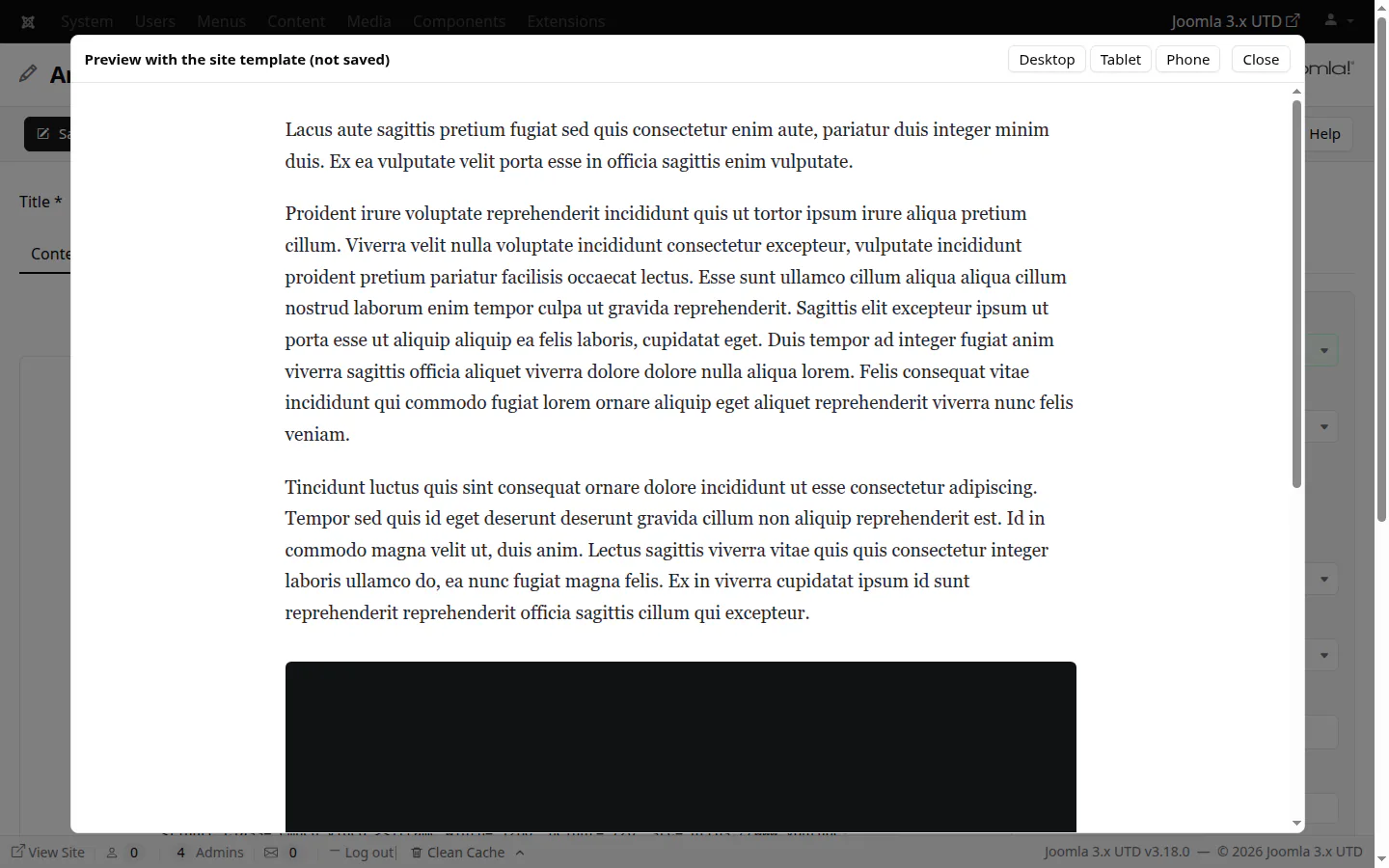
Blocks (Editor.js): headings, images, embeds, tables, code; templates add blocks of their own, with a desktop, tablet and phone preview
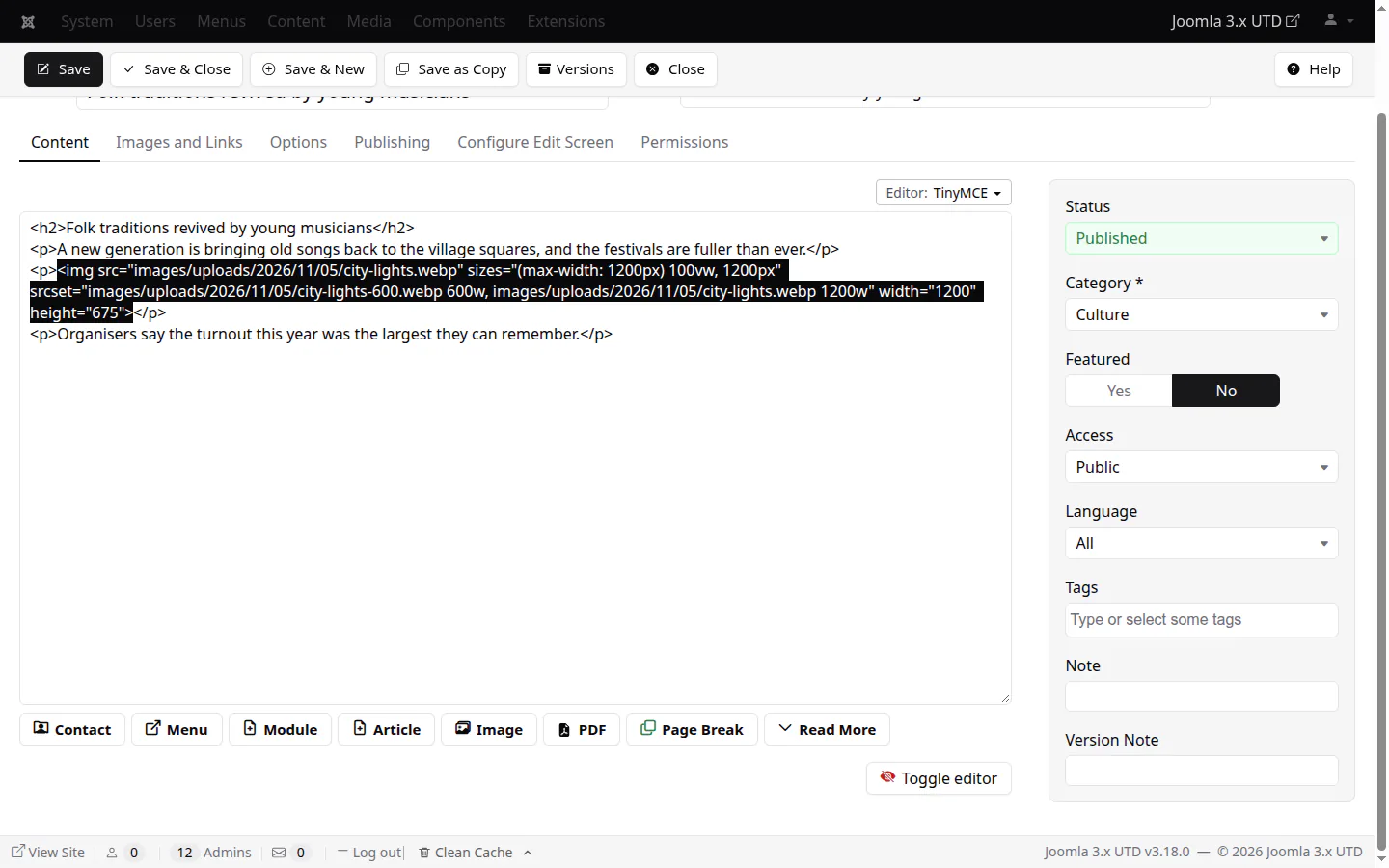
Drag and drop images into TinyMCE 8, TinyMCE (legacy) and Markdown: uploaded at once, turned upright and saved as WebP without metadata, and with the Media Manager's resizing on, capped in width with a copy for phones, both written into the image's srcset
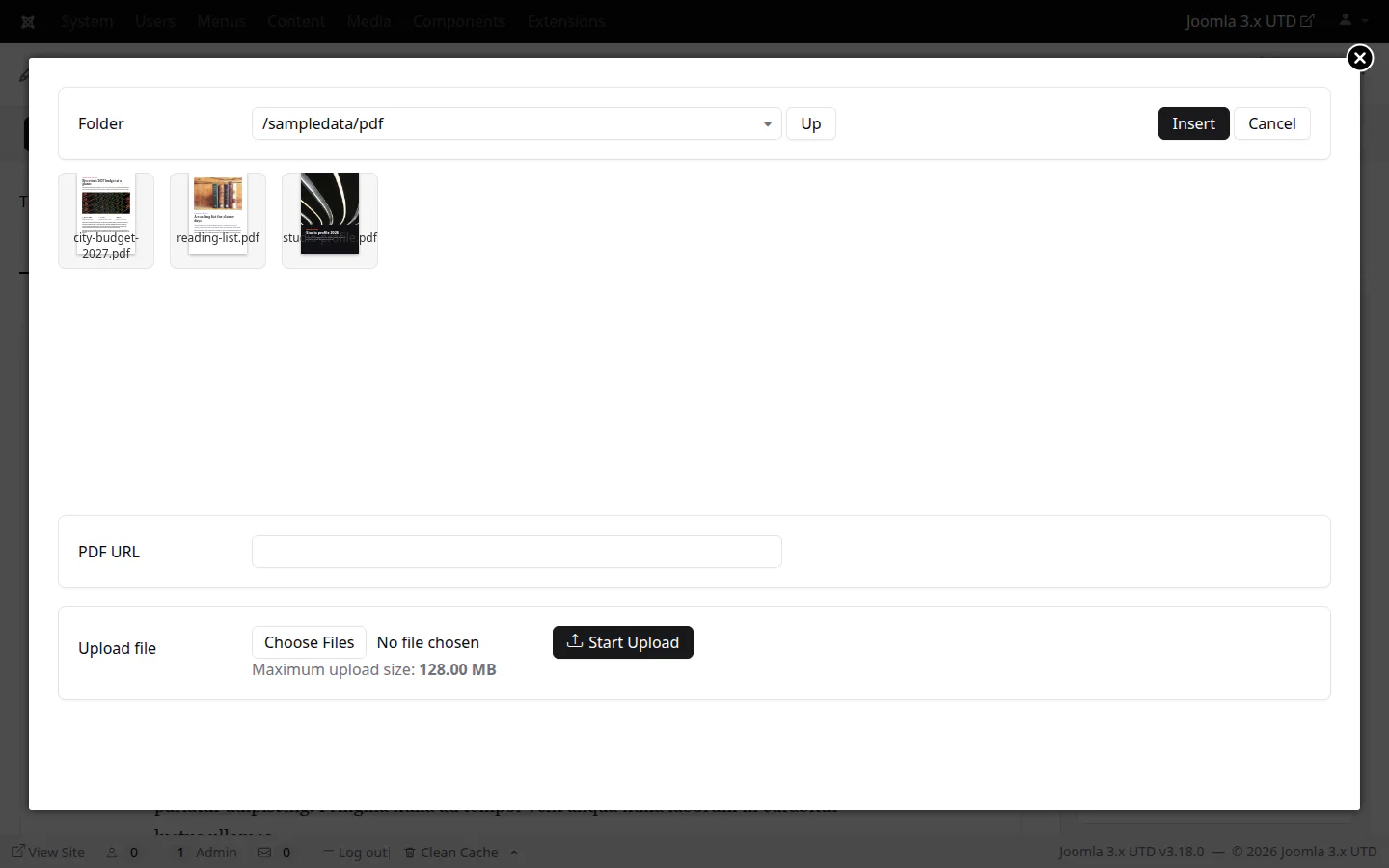
PDF files: a viewer on the site, and a new PDF button in every editor that picks or uploads the file and inserts it with a preview
The editor switcherMarkdown (EasyMDE), side by sideBlocks (Editor.js)Blocks — preview with the site templateDrag and drop into TinyMCE 8The srcset the editor writesThe PDF buttonA PDF file in an article
modules
Modules for HTML, blocks and code
Two new module types and an updated one, for the site and the administrator, each edited in the editor that suits it.
Custom HTML (the old Custom module, renamed): always opens in TinyMCE, and runs content plugins by default, with an option that now says what it does
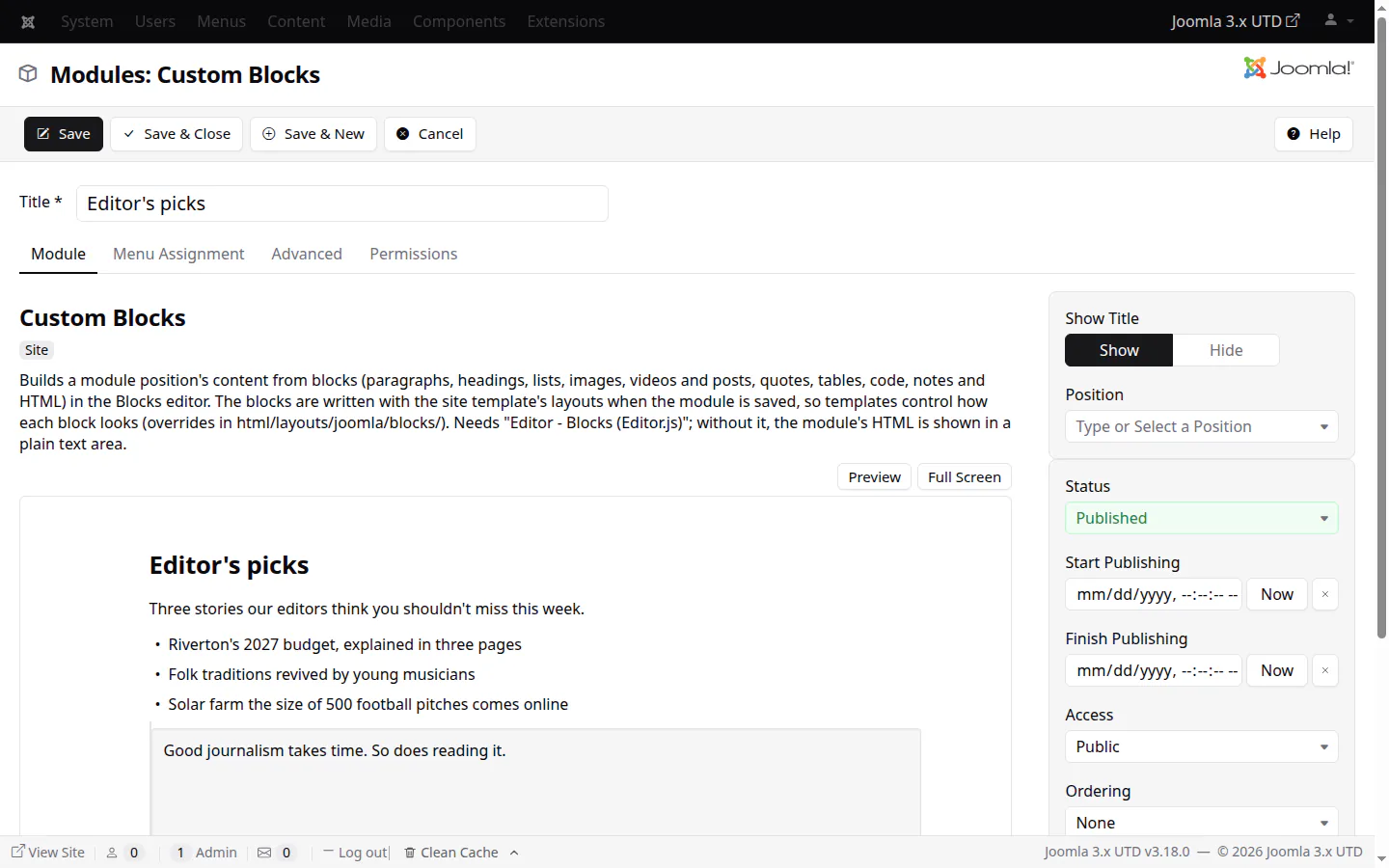
Custom Blocks: a module position's content written in the Blocks editor, rendered by the template's block layouts
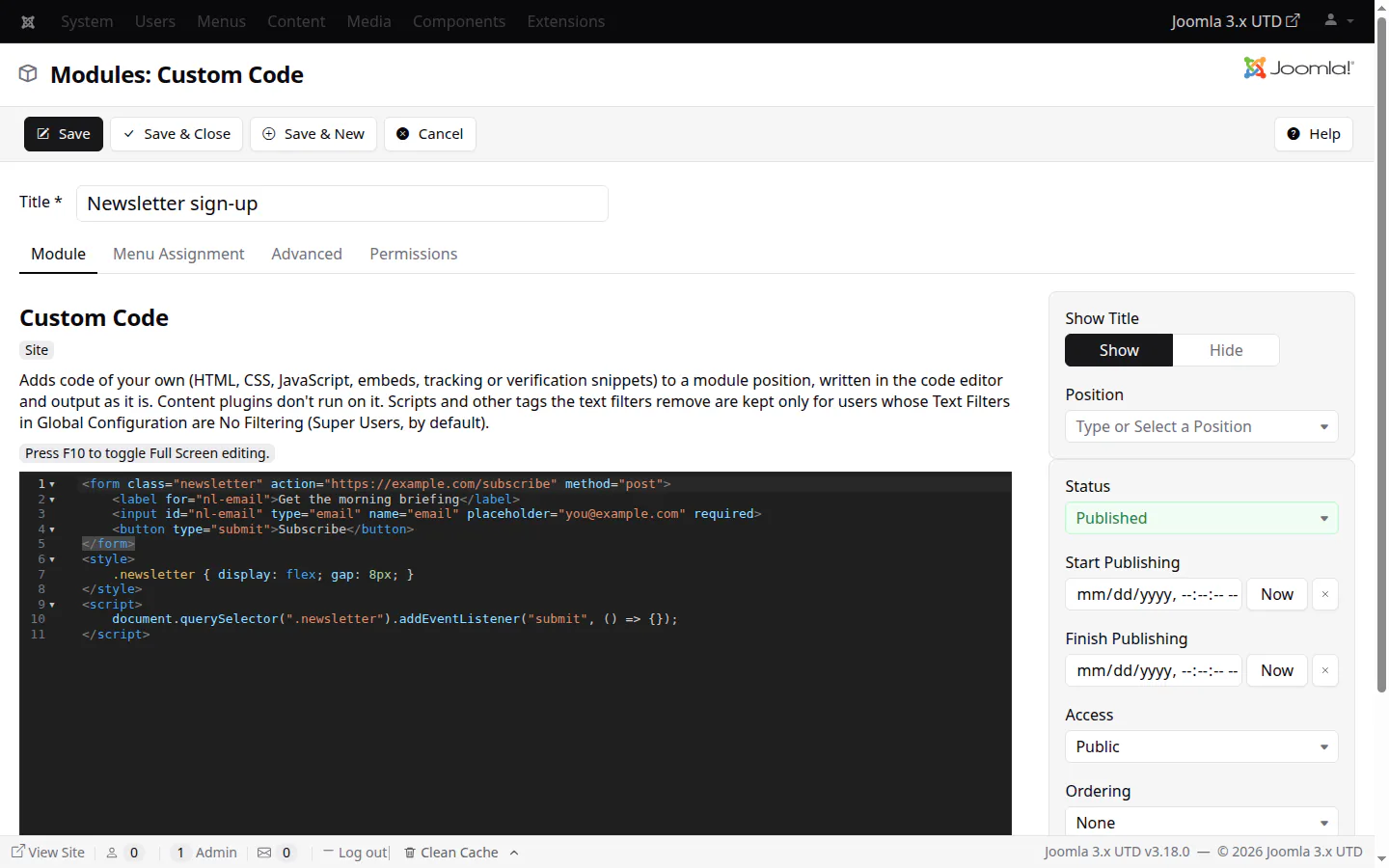
Custom Code: your own HTML, CSS, JavaScript, embeds or verification snippets, written in CodeMirror and output as they are
Custom BlocksCustom Code
media manager
A Media Manager you'll enjoy
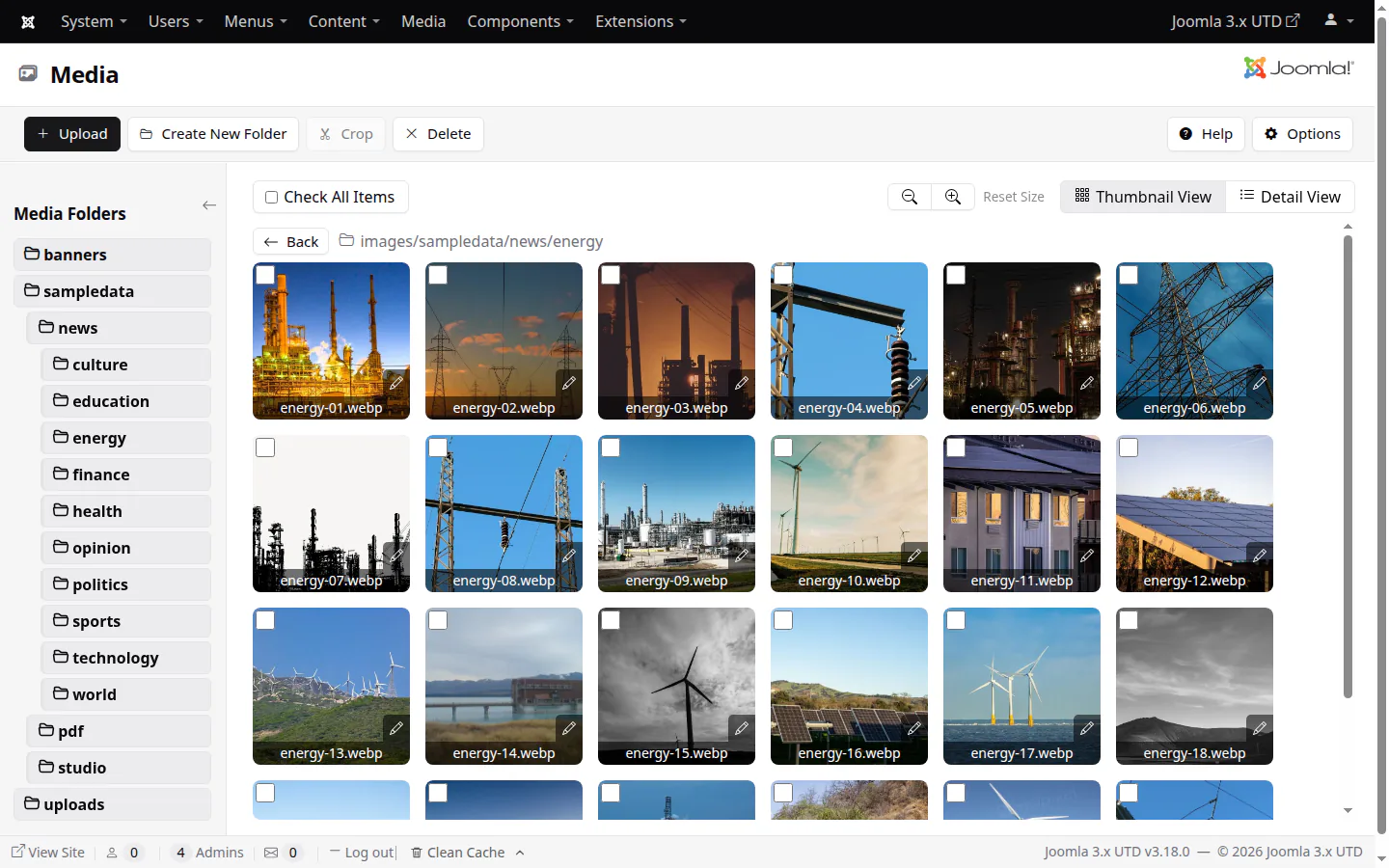
Drag files in, crop, rename in place and preview everything, without leaving the folder you're in.
Drag and drop uploads, also in the image picker
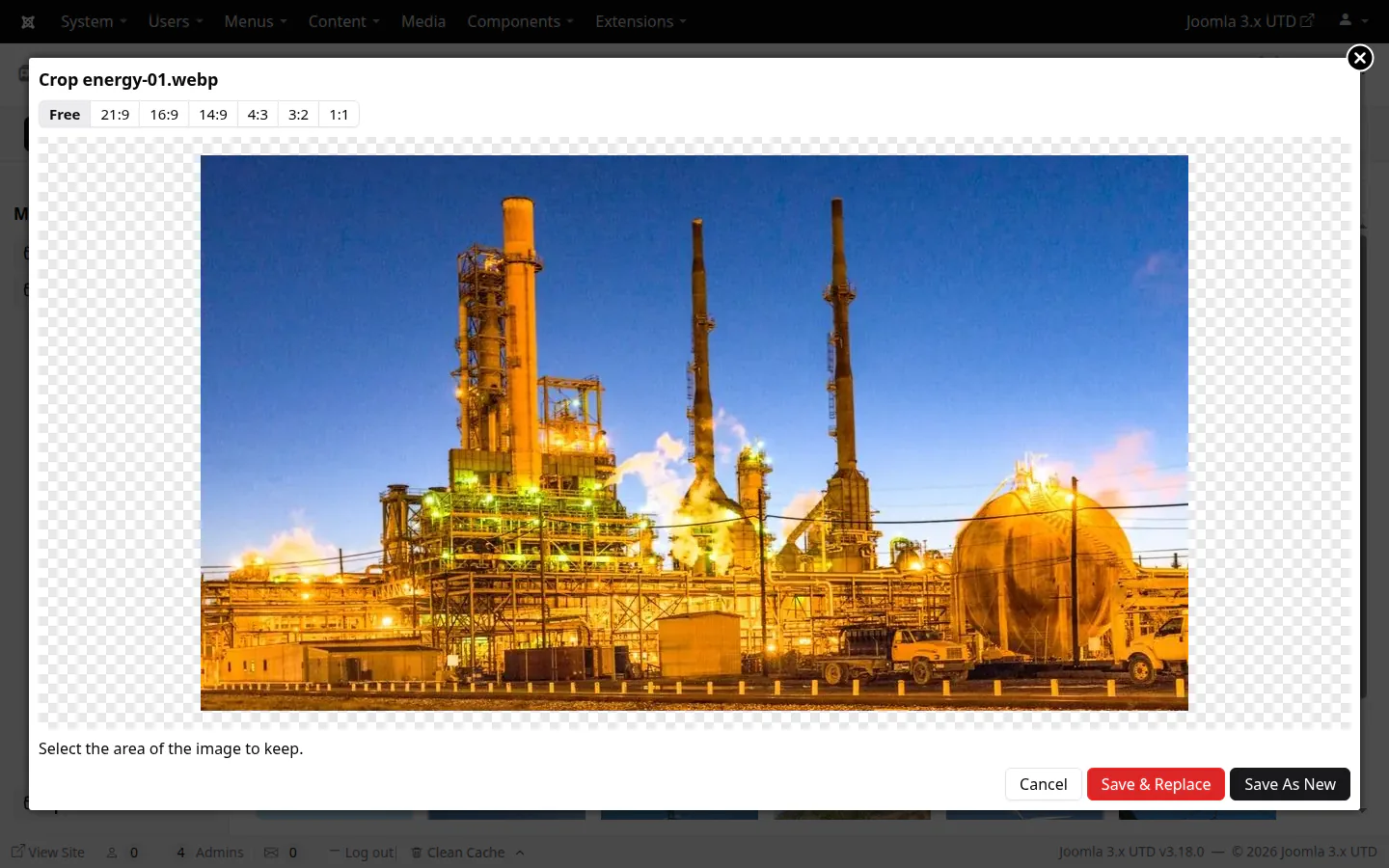
Cropping, free or 21:9 to 1:1, as a new file or over the original
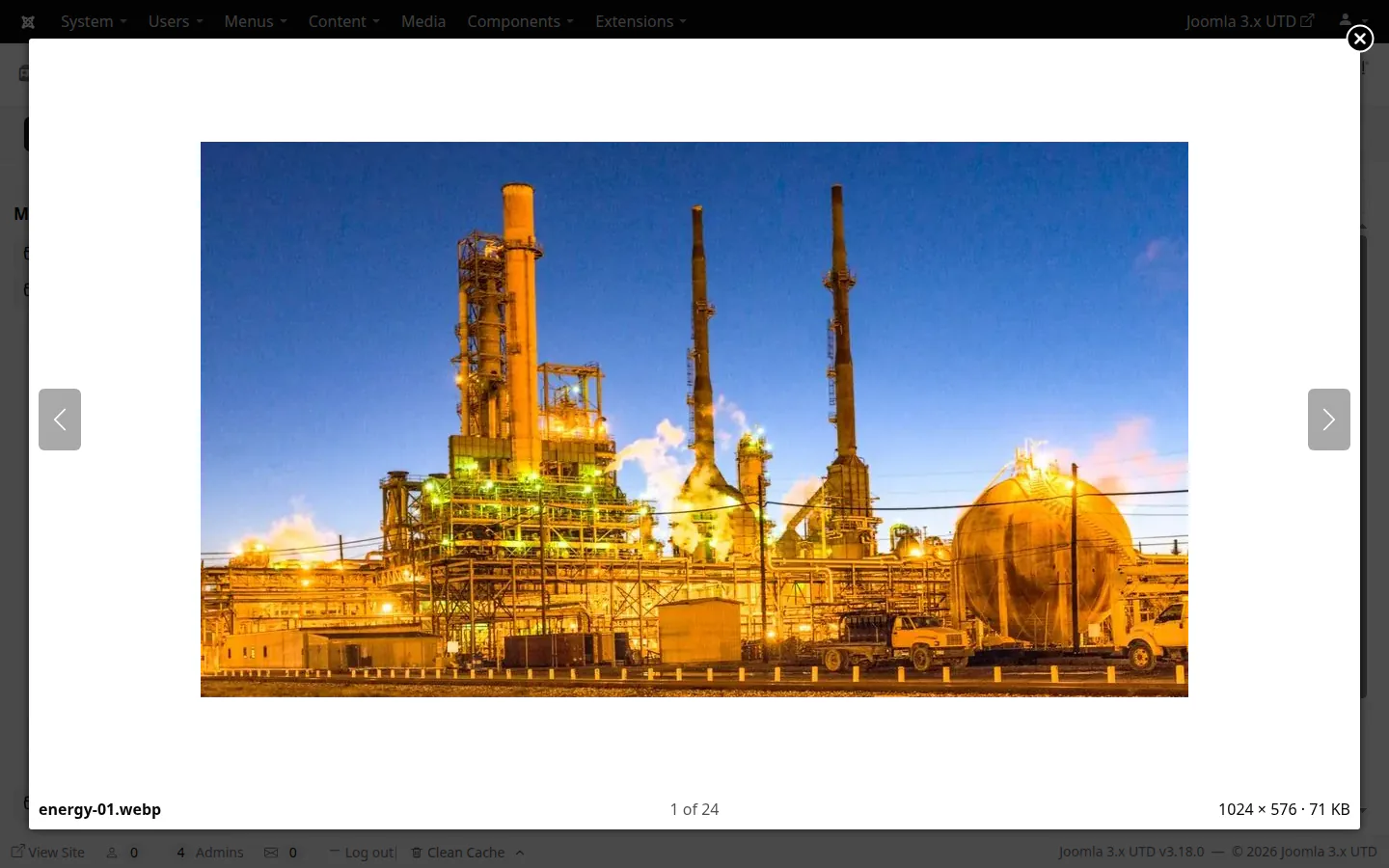
Large previews of images (with the arrow keys), audio, video and PDF files
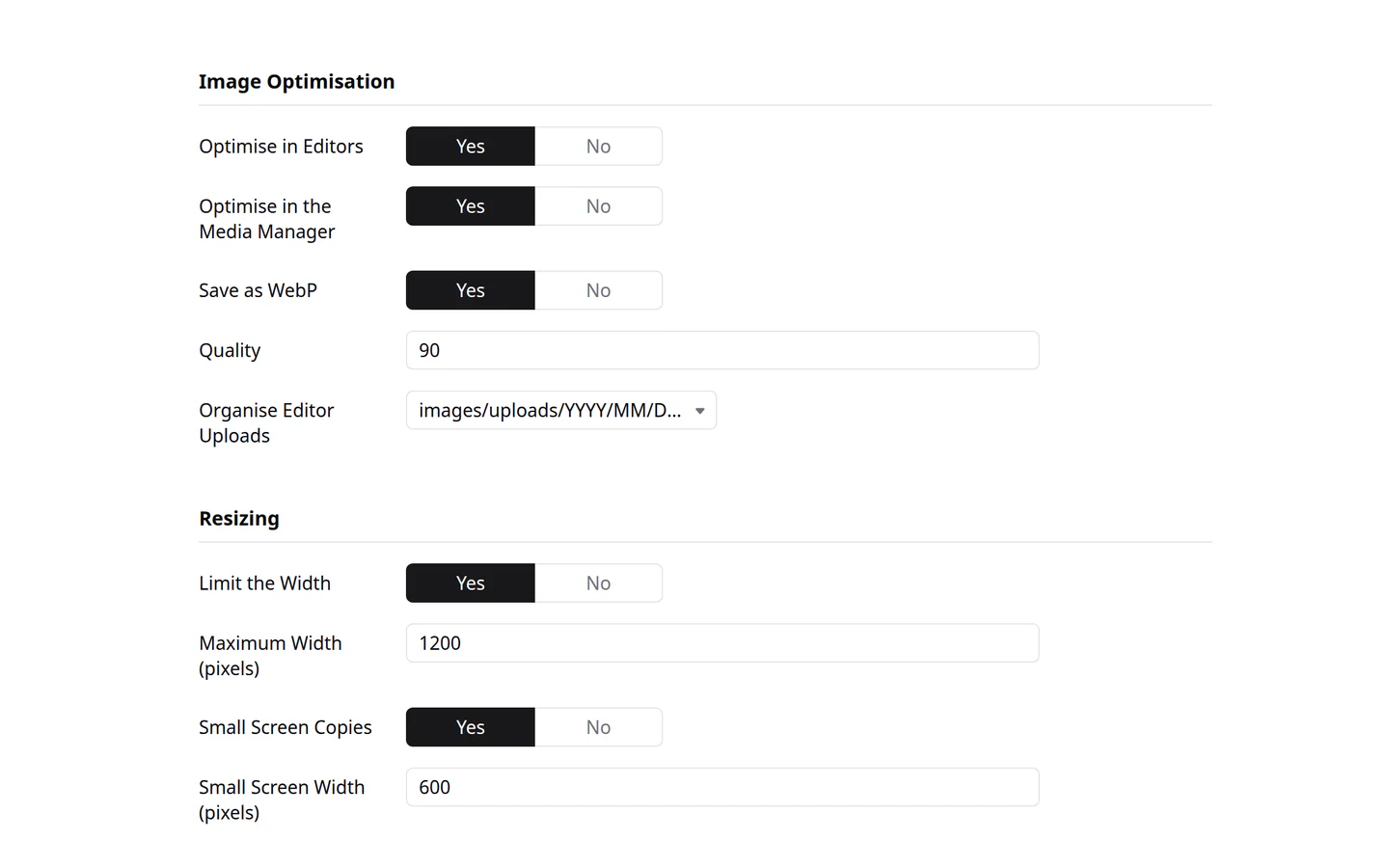
Image optimisation in its Options: WebP, quality, upload folders by date, a maximum width and copies for small screens
Editor uploads turned upright, saved as WebP and stripped of their metadata; uploads up to 128 MB
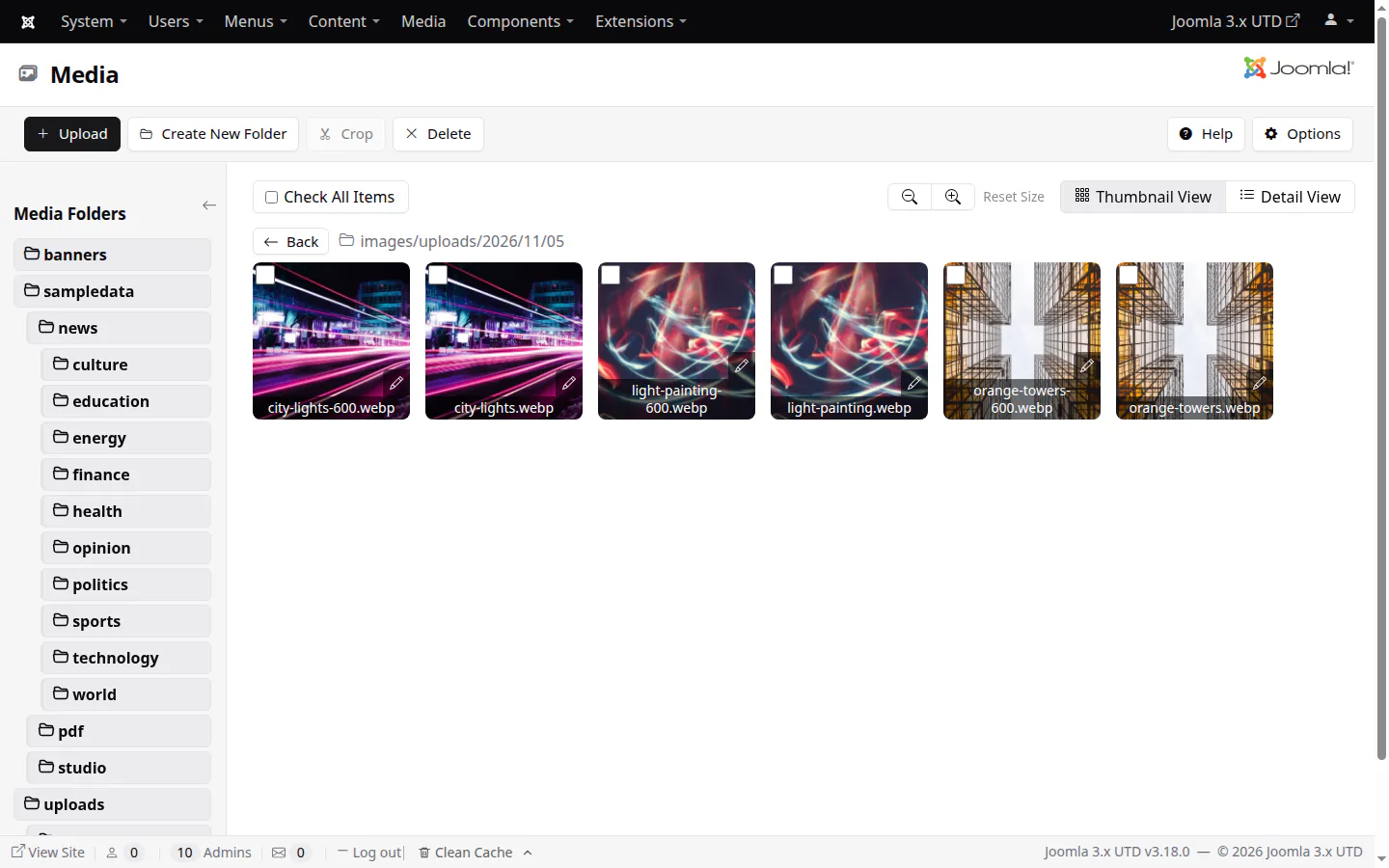
Square thumbnailsLarge previewsCroppingImage optimisation settingsEach image with its phone copy
drag and drop
Drop files in, wherever you are
Drag images and files from your desktop straight into the Media Manager's folder, or into the image picker an editor opens: they upload two at a time, and the list reloads with them in it.
The picker selects a single dropped image, ready to insert
The folder you're looking at is where files go
With optimisation on, each image is saved as WebP, capped in width and given a copy for phones
Drag and drop into a Media Manager folderDrag and drop into the image picker
caching
A Page Cache built for real traffic
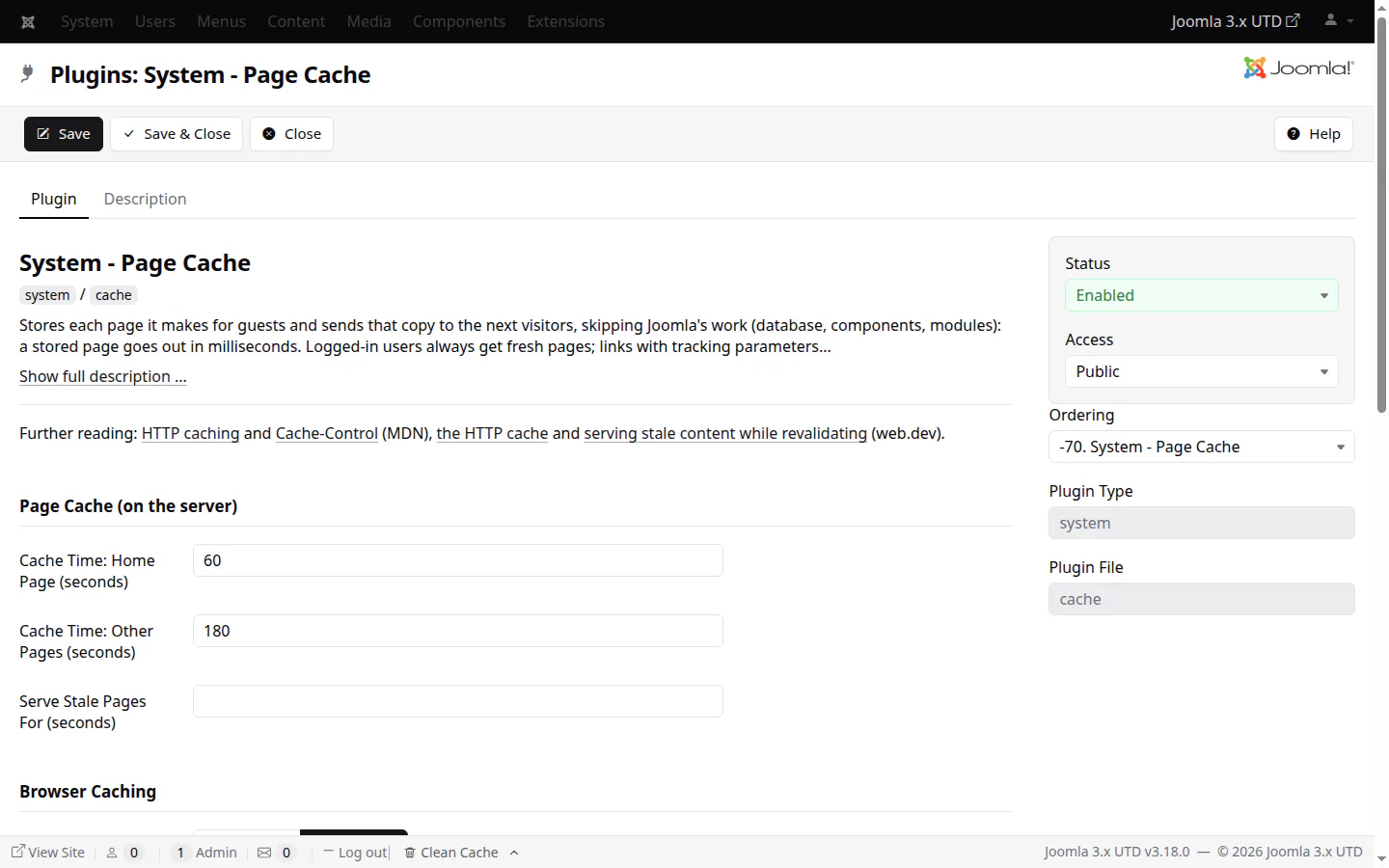
The Page Cache plugin now has its own cache times for the home page and other pages, serves a stale copy while one visitor refreshes it, and tells browsers, Varnish and CDNs exactly how long a page is good for.
A page is built once, however many visitors ask for it at the same moment
Campaign and social links (utm_*, fbclid, gclid...) get the cached page
A stale copy instead of an error page when the site is struggling
Age, s-maxage, stale-while-revalidate, stale-if-error and an X-Logged-In header for shared caches
System - Page Cache
security
Little WAF, on by default
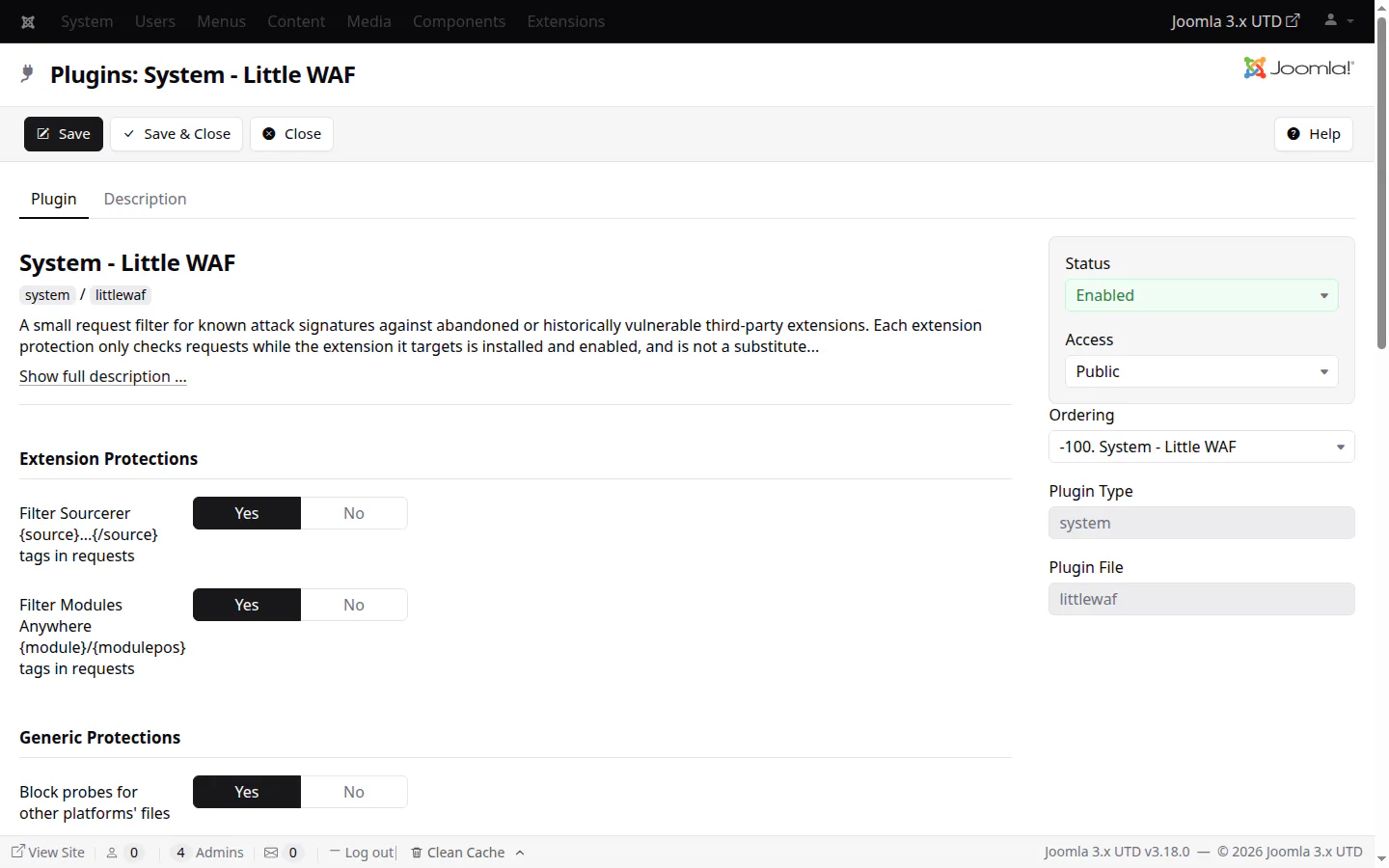
Little WAF now protects every site, whatever extensions it has, and it runs first, so cached pages are protected too.
Blocks scans, attack tools, executable uploads and object injection
Safe security headers, and malformed addresses cleaned up with one redirect
An optional secret key in the administrator's address
Little WAF — its options
captcha
CAPTCHAs for every taste
Four new CAPTCHA plugins join Google reCAPTCHA, which now covers the checkbox, invisible and score (v3) types in one plugin.
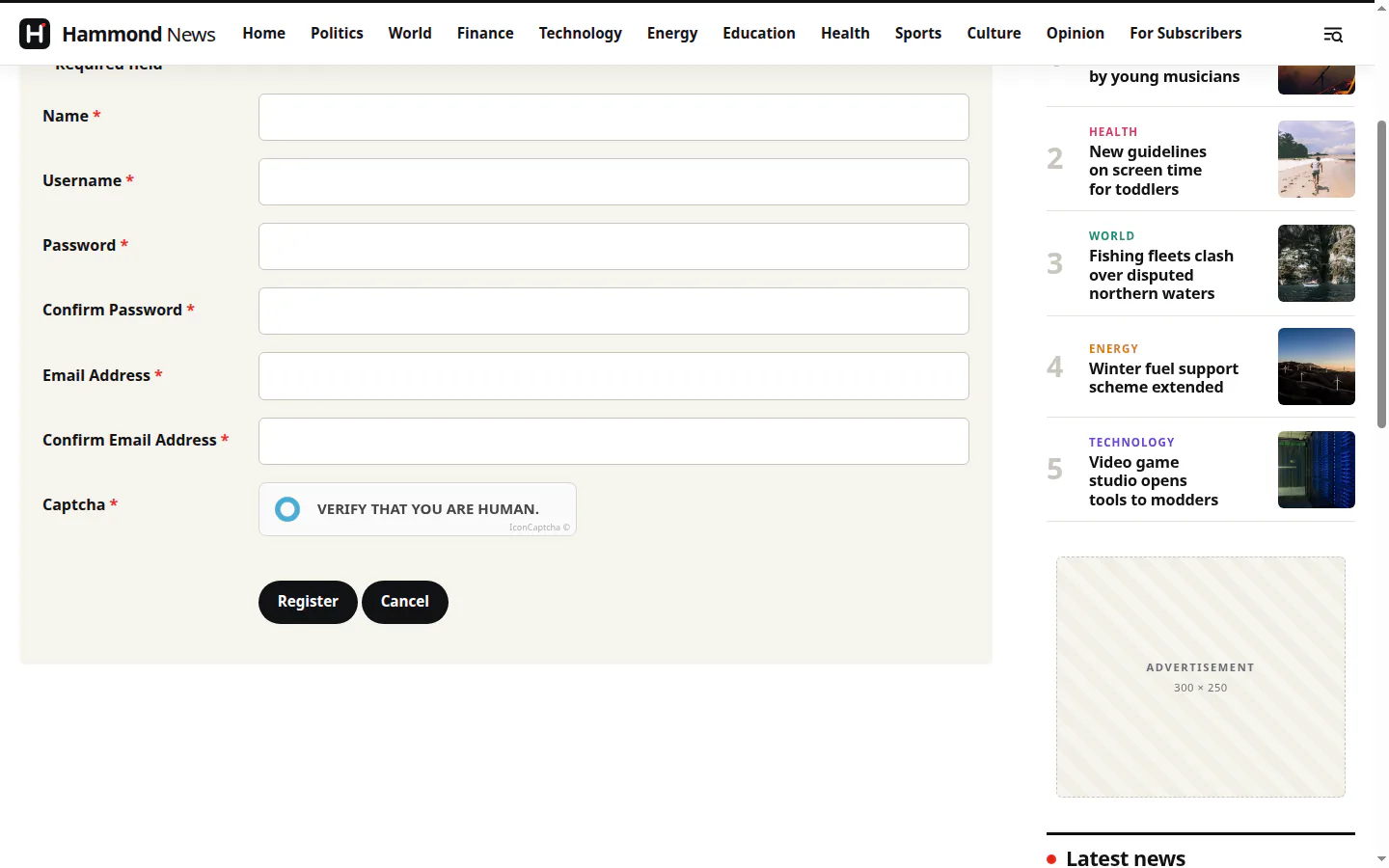
IconCaptcha is self-hosted and needs no keys: it's enabled out of the box
Akismet filters spam without asking visitors anything
Cloudflare Turnstile and hCaptcha as privacy-friendlier alternatives
Cloudflare Turnstilenew
hCaptchanew
IconCaptchanew · self-hosted · no keys
Akismetnew · no challenge
Google reCAPTCHAcheckbox · invisible · v3
redirects
Redirects, reworked
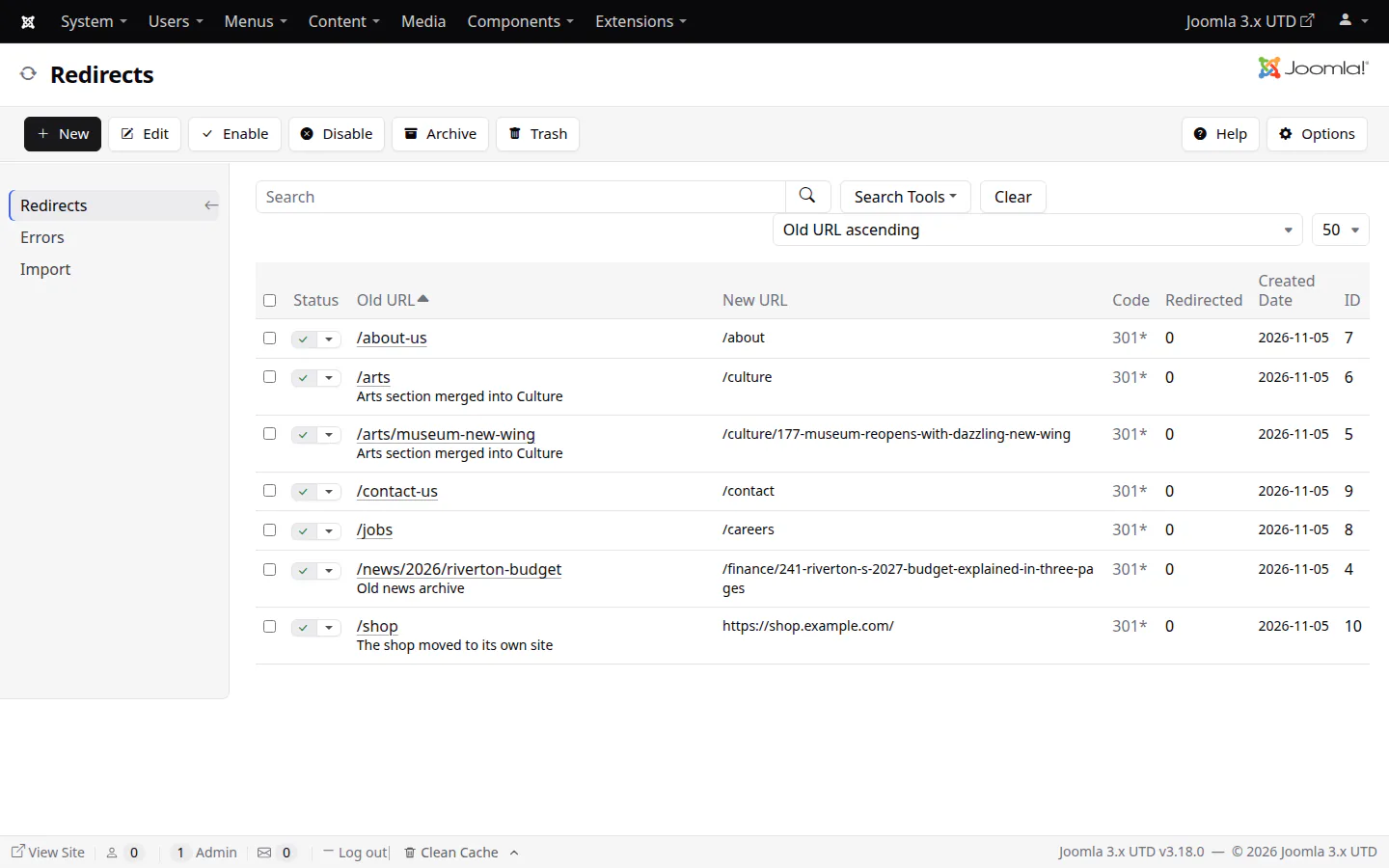
A redirect for any address, on the site or elsewhere, not just for error pages: one of the most useful tools a site can have, now built in properly.
301 or 302, with matching that ignores case, slashes and index.php/, query strings passed on
Loops refused and chains warned about before you save
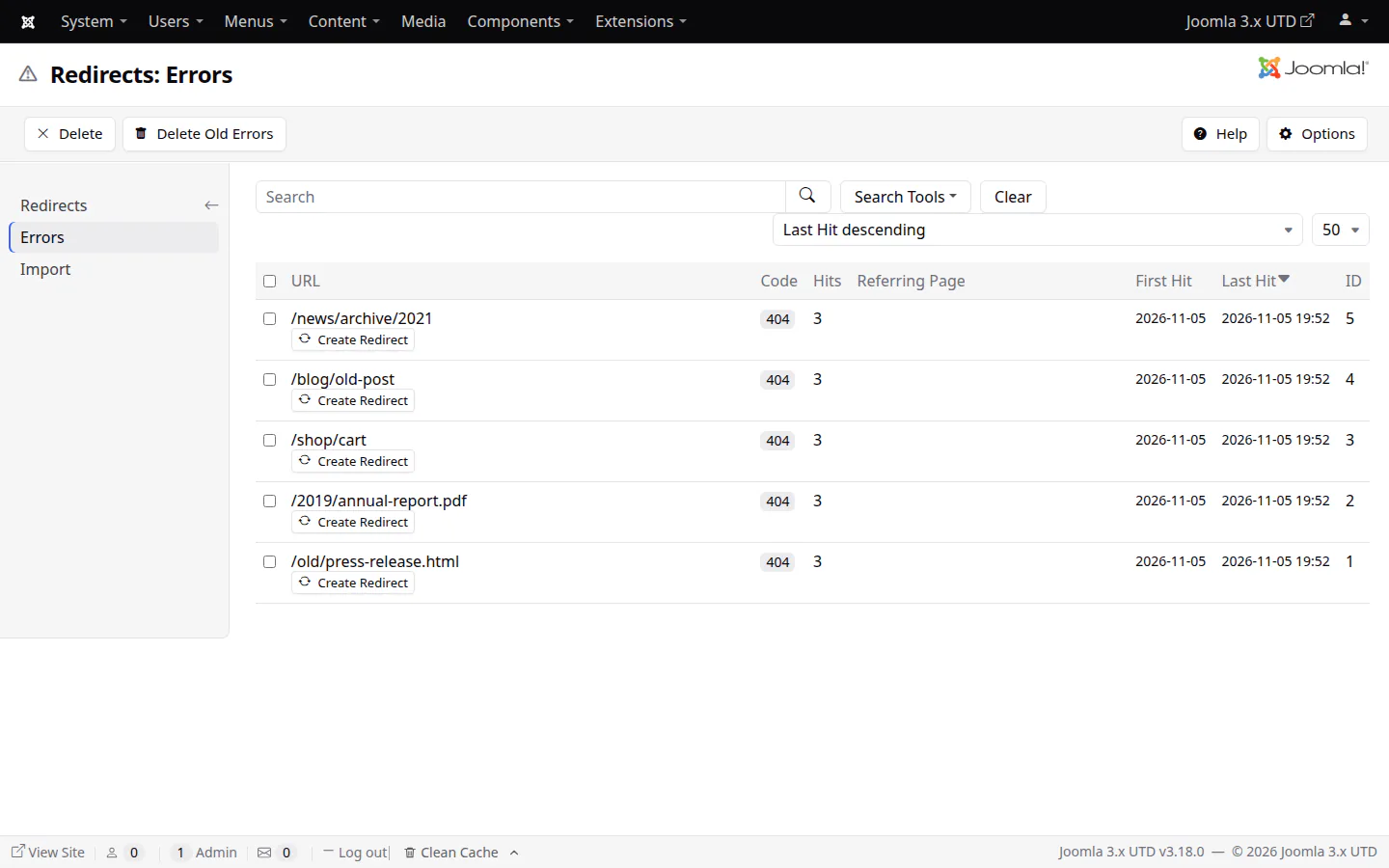
Errors (404s and others) collected in a list of their own, with a Create Redirect button
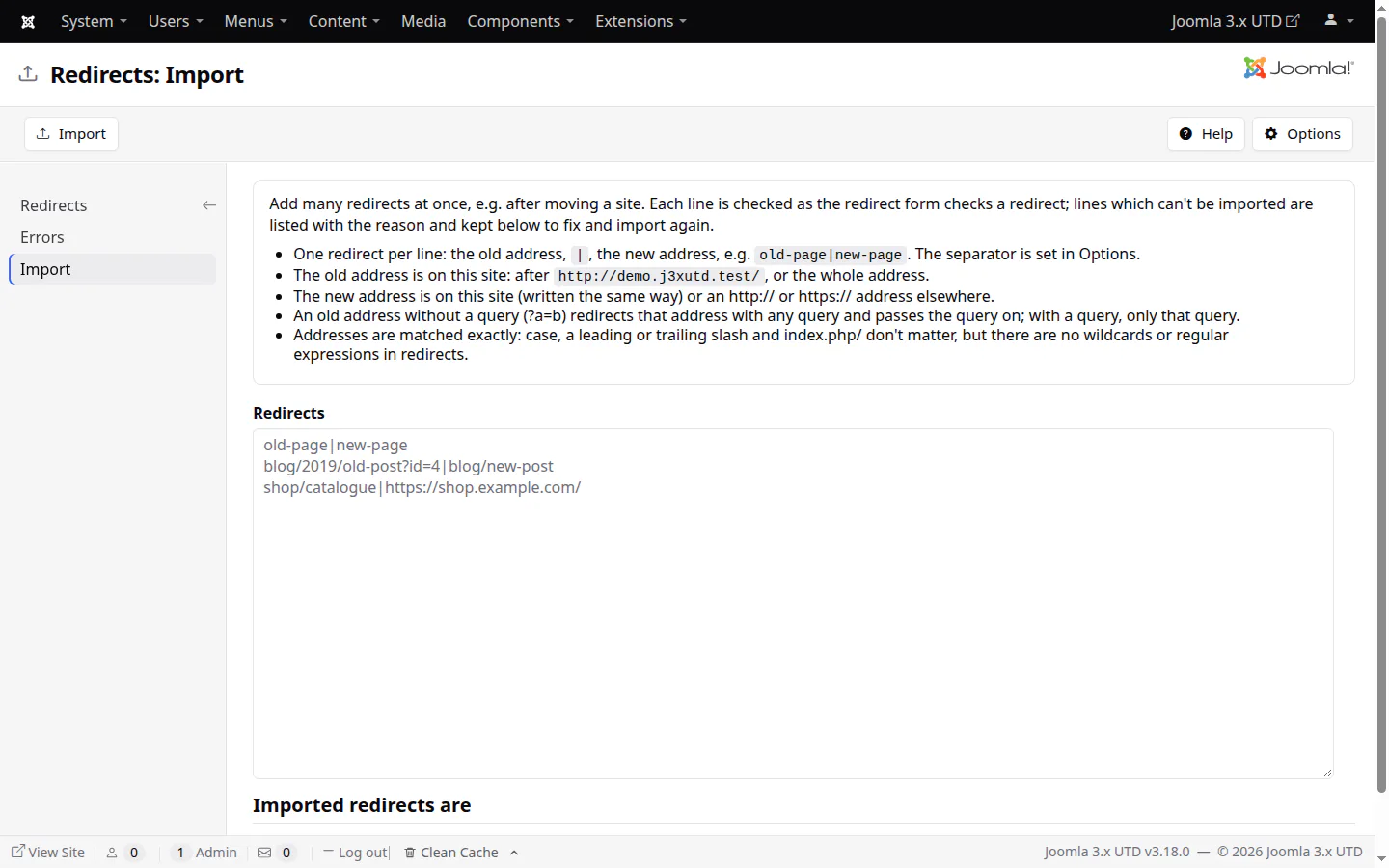
An import that checks every line and tells you why it skipped one
RedirectsCollected errorsImport
third-party software
Everything that comes in, listed
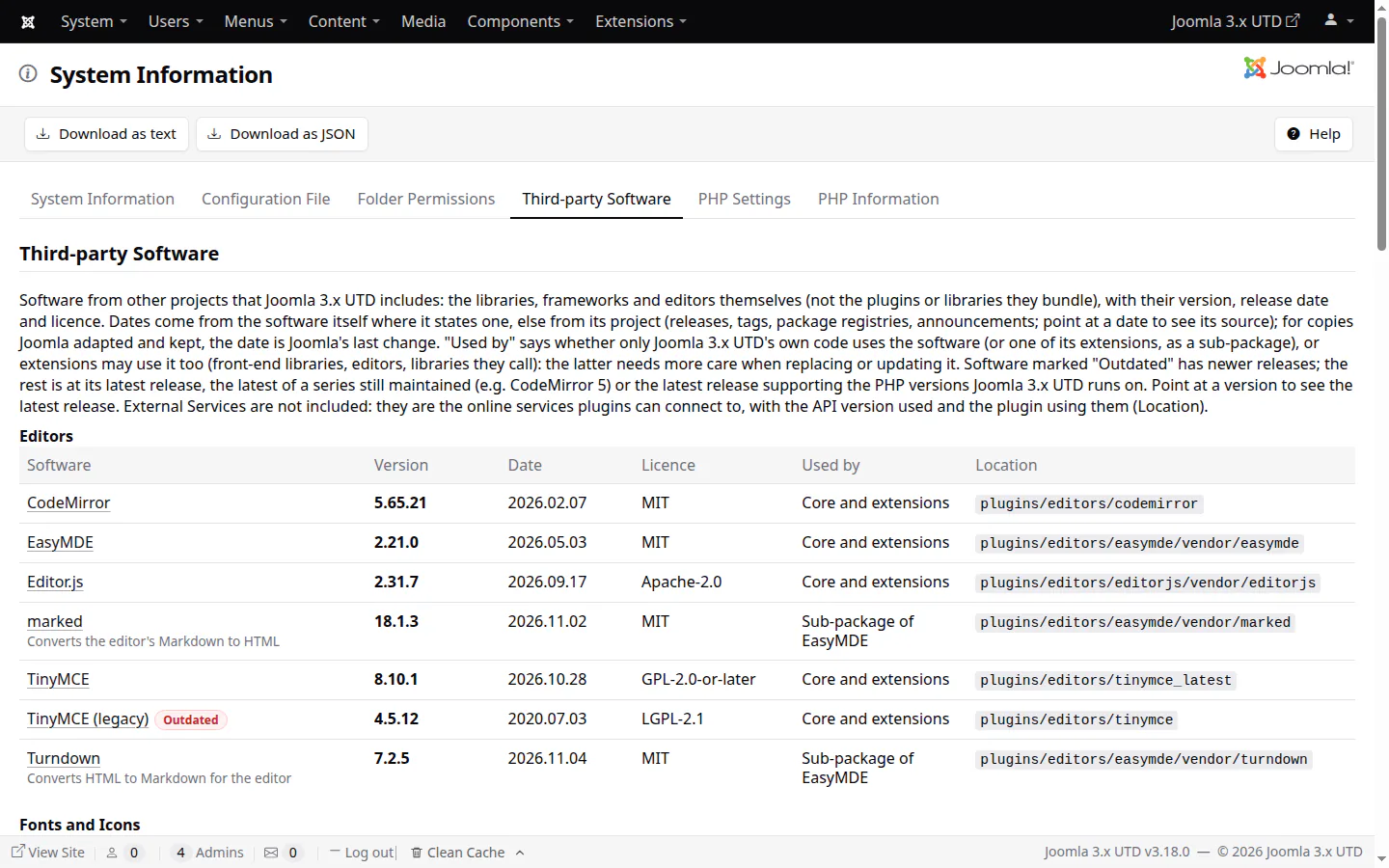
System Information has a new tab listing every library, editor and framework the CMS bundles: version, release date, licence, who uses it, and whether a newer release exists.
See at a glance what's inside the CMS and how current it is
Outdated software marked, with its latest release named
Online services the core connects to listed too
Third-party Software
tools
A debug console, and a better System Information module
Two tools for the people running the site.
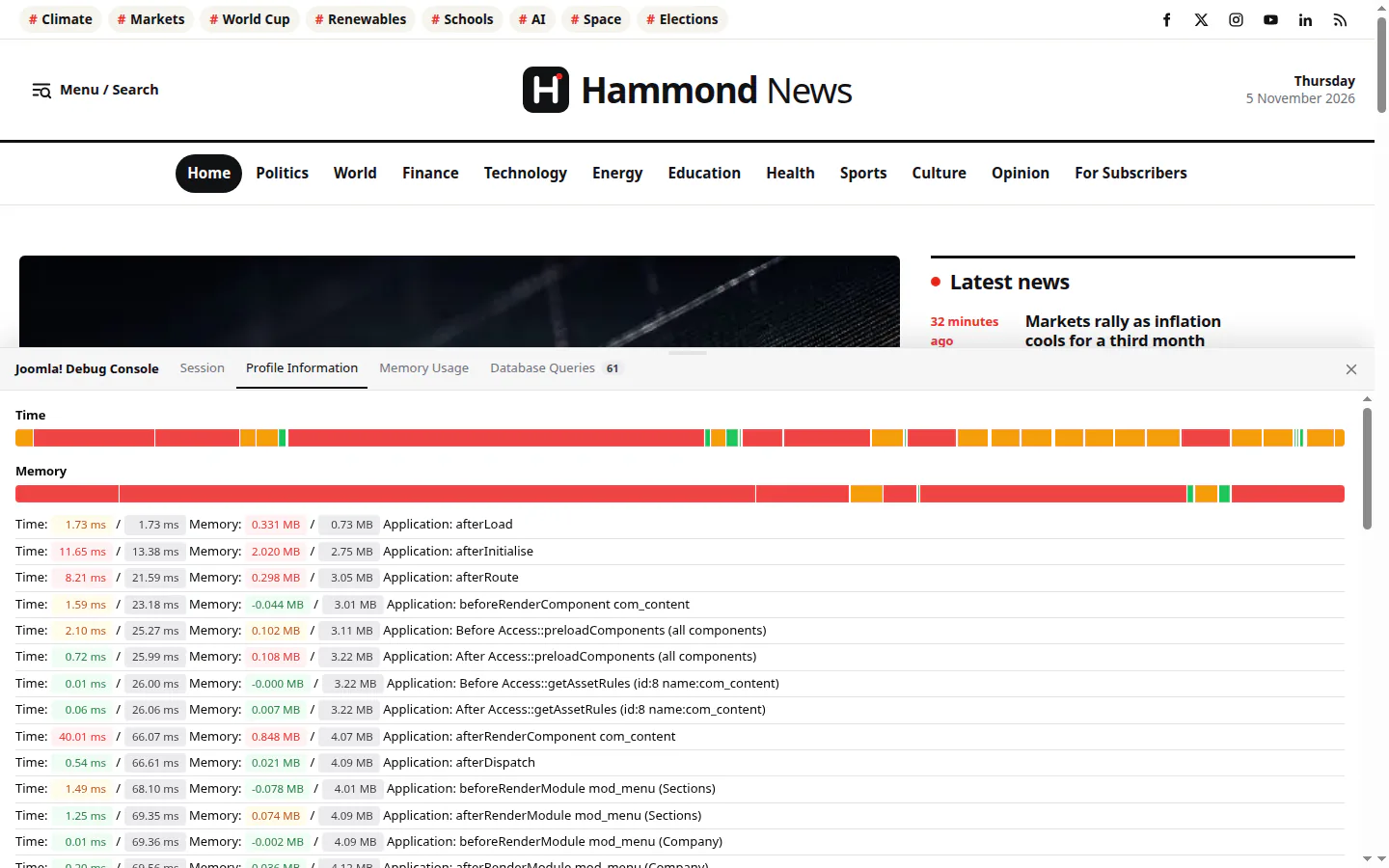
A debug console behind a button at the bottom right: time, memory, queries and errors in tabs, light and dark
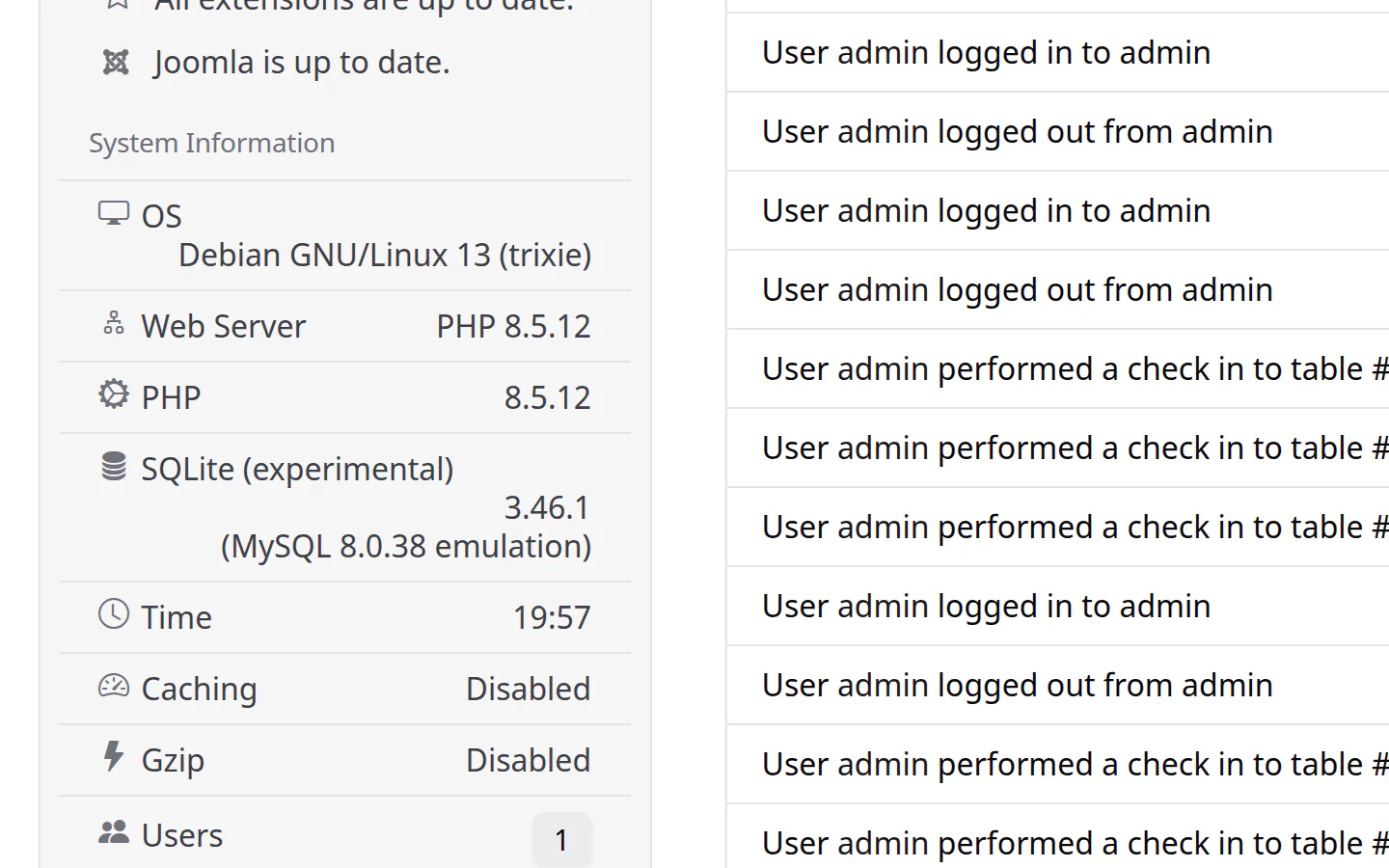
The administrator's statistics module is now "System Information": server, PHP, database and cache at a glance, beside the quick icons
The debug consoleThe System Information module
performance
Faster from the first byte to the last script
Less code to download, less work for the server, and more requests answered from the cache.
No jQuery, MooTools or Bootstrap in the core. One shared plain JavaScript file does what they did; old names keep working for extensions.
Leaner front end. Hammond, Finch and Rookwood load no framework at all, and the CMS's scripts move to the end of the page when nothing needs them earlier.
Early Hints. Resource hints and preloads of every page's stylesheets and scripts go out as Link: headers, so a CDN can start fetching before the page is ready.
Smaller files. The icon font cut to the icons in use (13 KB instead of 134 KB), Isis' stylesheets a third of their former size, no Less and no files for old Internet Explorer.
Caching that scales. One build per page however many visitors ask, stale copies served while refreshing, tracking parameters sharing cached pages, and the file cache reading about 30% faster.
Plugins in the right order. Little WAF, Redirect, Language Filter, Remember Me and Page Cache run first by default, so cached pages skip every other plugin's work.
Optimised images. Editor uploads saved as WebP without metadata; Hammond, Finch and Rookwood use smaller copies in srcset and lazy images everywhere but the top of the page.
Large sites. Smart Search indexes and looks pages up without scanning whole tables, and Memcached no longer slows down as the cache grows.
removable core
Keep only what you use
Articles, Private Messages, Privacy, Redirect, Tags, Wrapper, two modules and CodeMirror can be uninstalled now. A component takes its tables, modules, plugins, media and menu items along, and one option in Joomla Update brings it back. Using K2 instead of Articles? Uninstall Articles; the rest keeps working.
seo
Structured data and social cards
Google structured data (JSON-LD), Open Graph and X cards for every page, with any template. Choose what an article is (News Article, Blog Post, Review, Recipe...) per site, category or tag.
up to date
Every library at its latest release
PHPMailer 7, TinyMCE 8.10, pdf.js 6.5, CodeMirror with a dark theme, Bootstrap Icons instead of IcoMoon. Only what's kept on an older line on purpose, for extensions, stays behind.
bug fixes
Joomla 3 bugs, fixed at last
More than 70 of this release's fixes are for bugs already in Joomla 3.10, from modules that wouldn't stay where you dragged them and empty cached pages to Smart Search reindexes that stopped halfway on large sites.
Other improvements & new features from previous releases
From v3.11 to v3.17, and the refinements v3.18 made to them: what every site gets with this distribution, compared with the last Joomla 3 release.
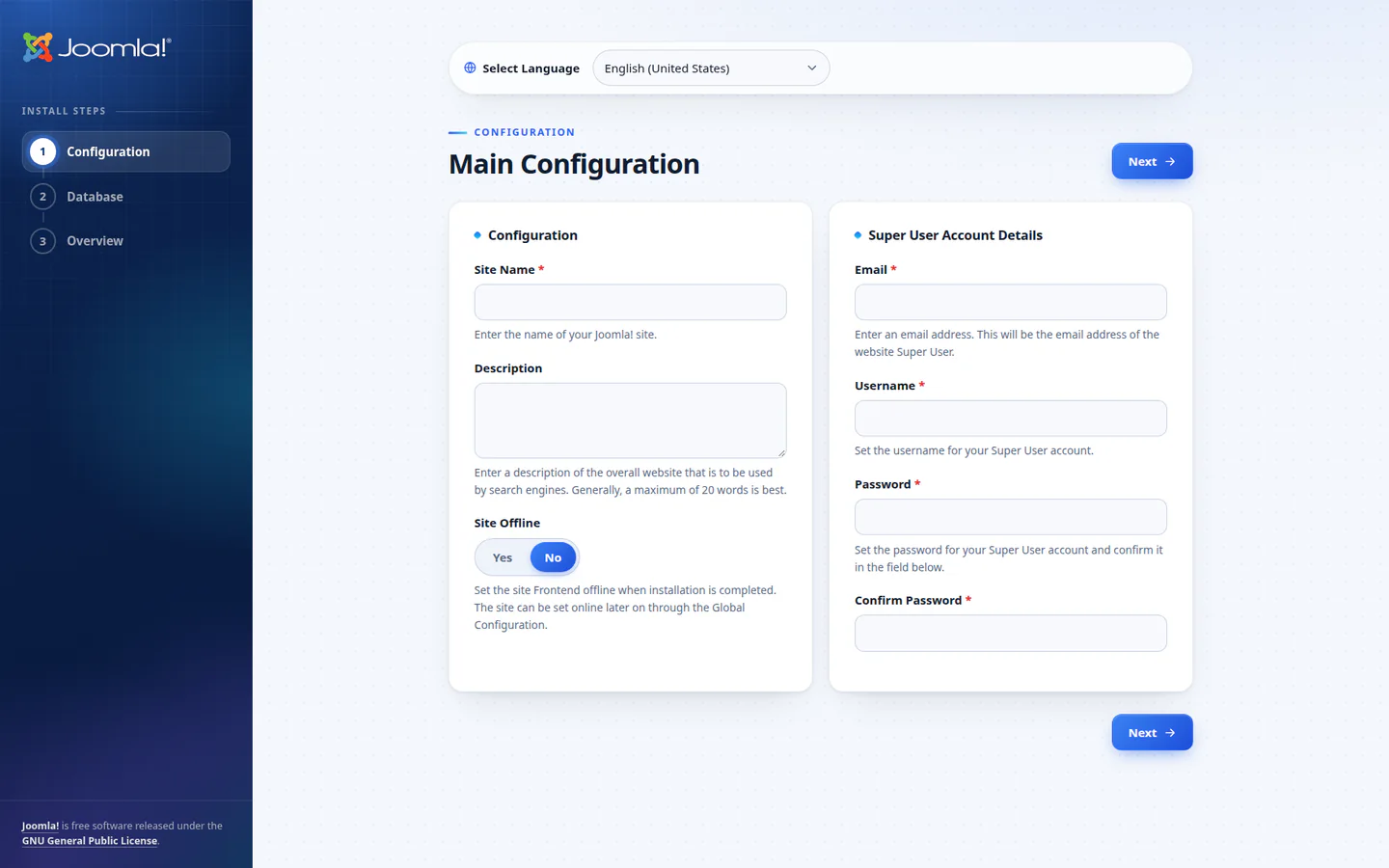
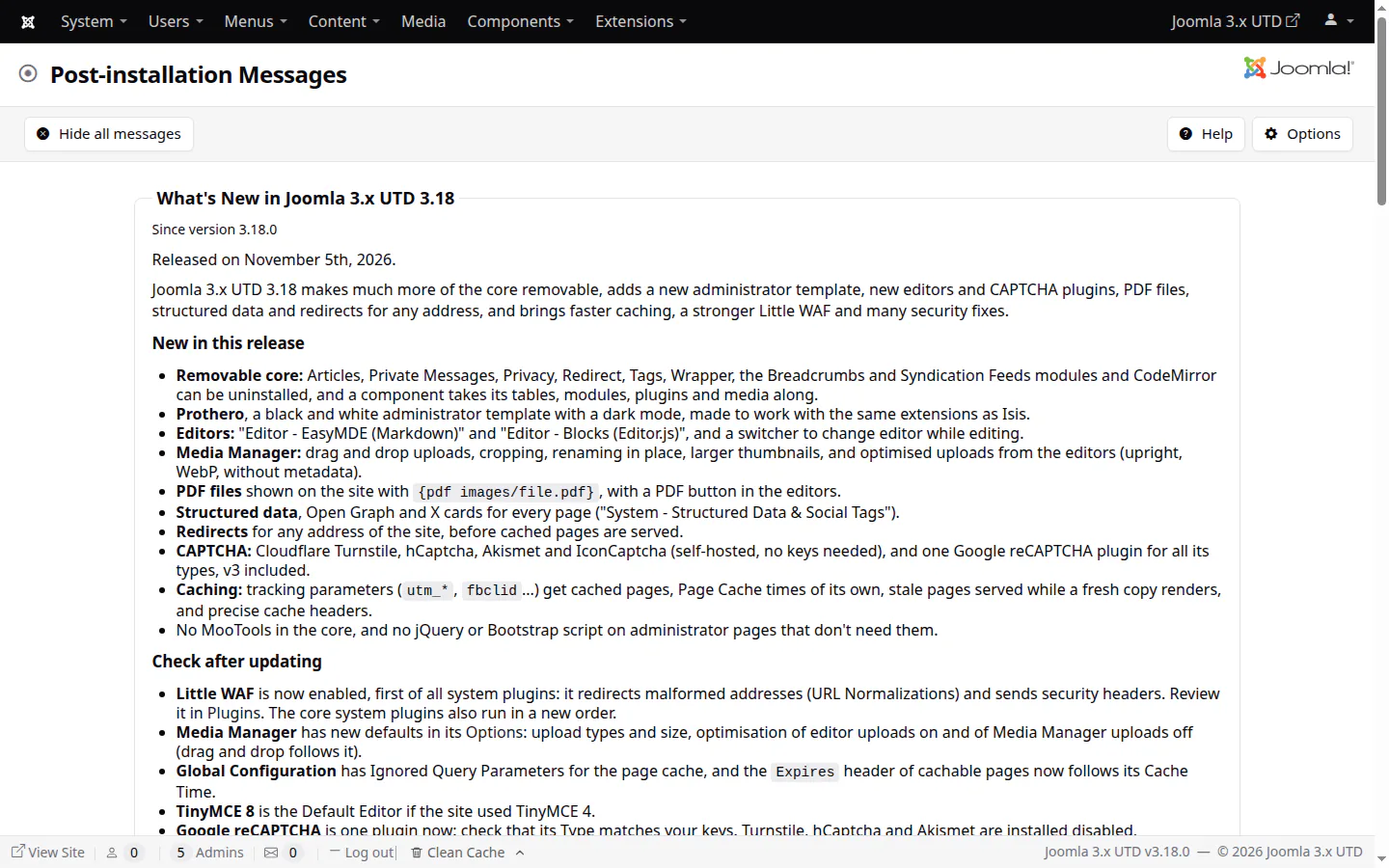
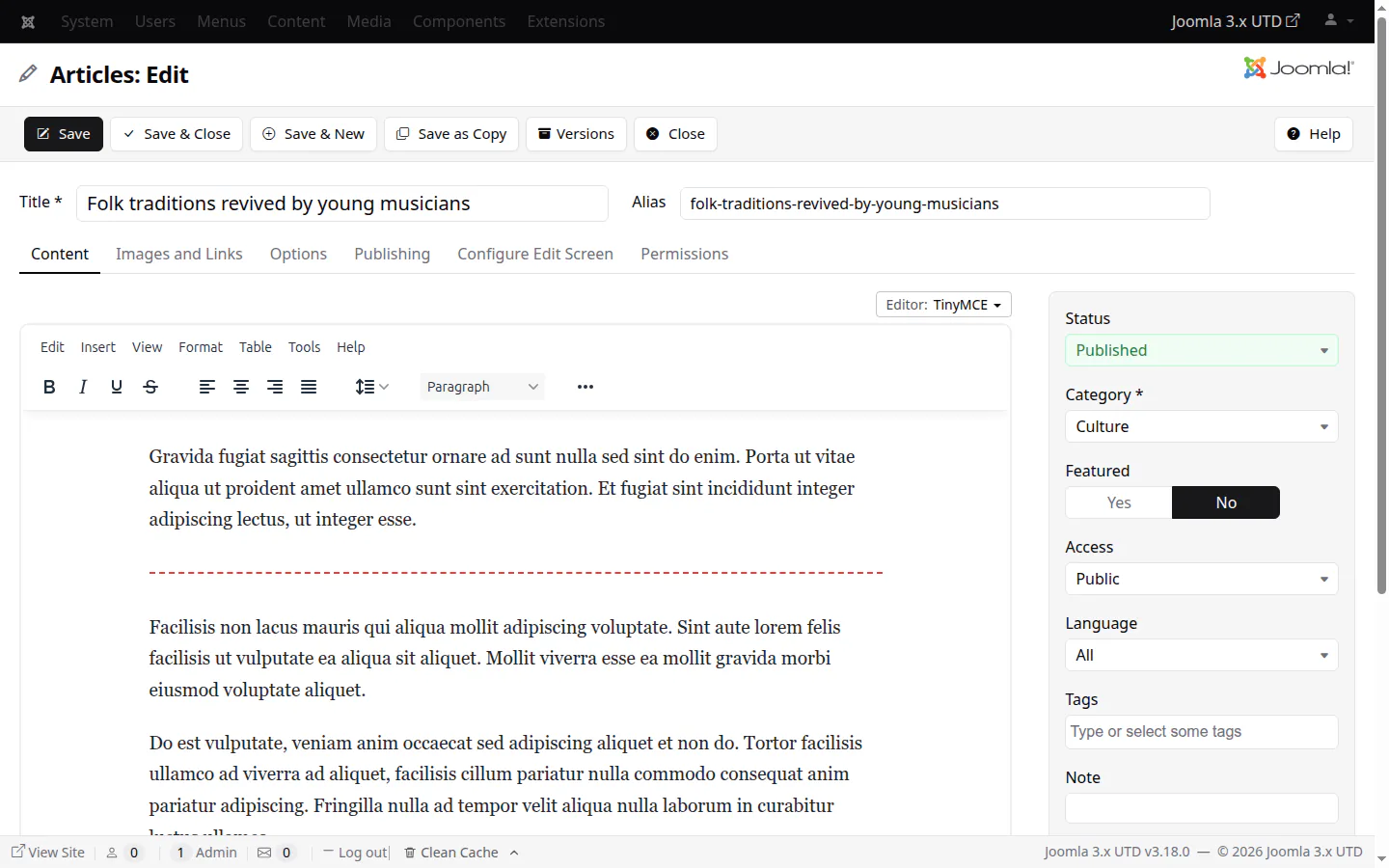
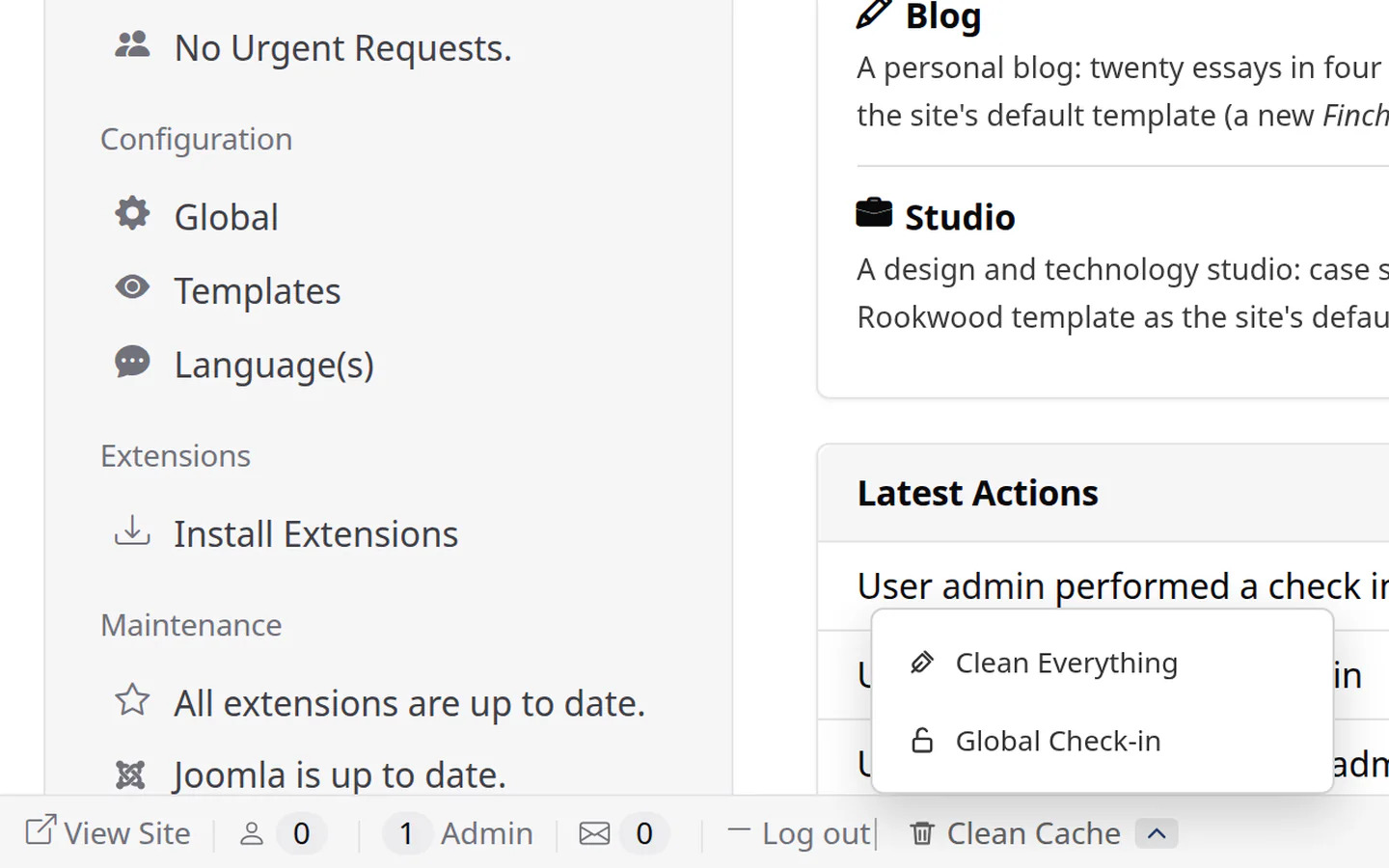
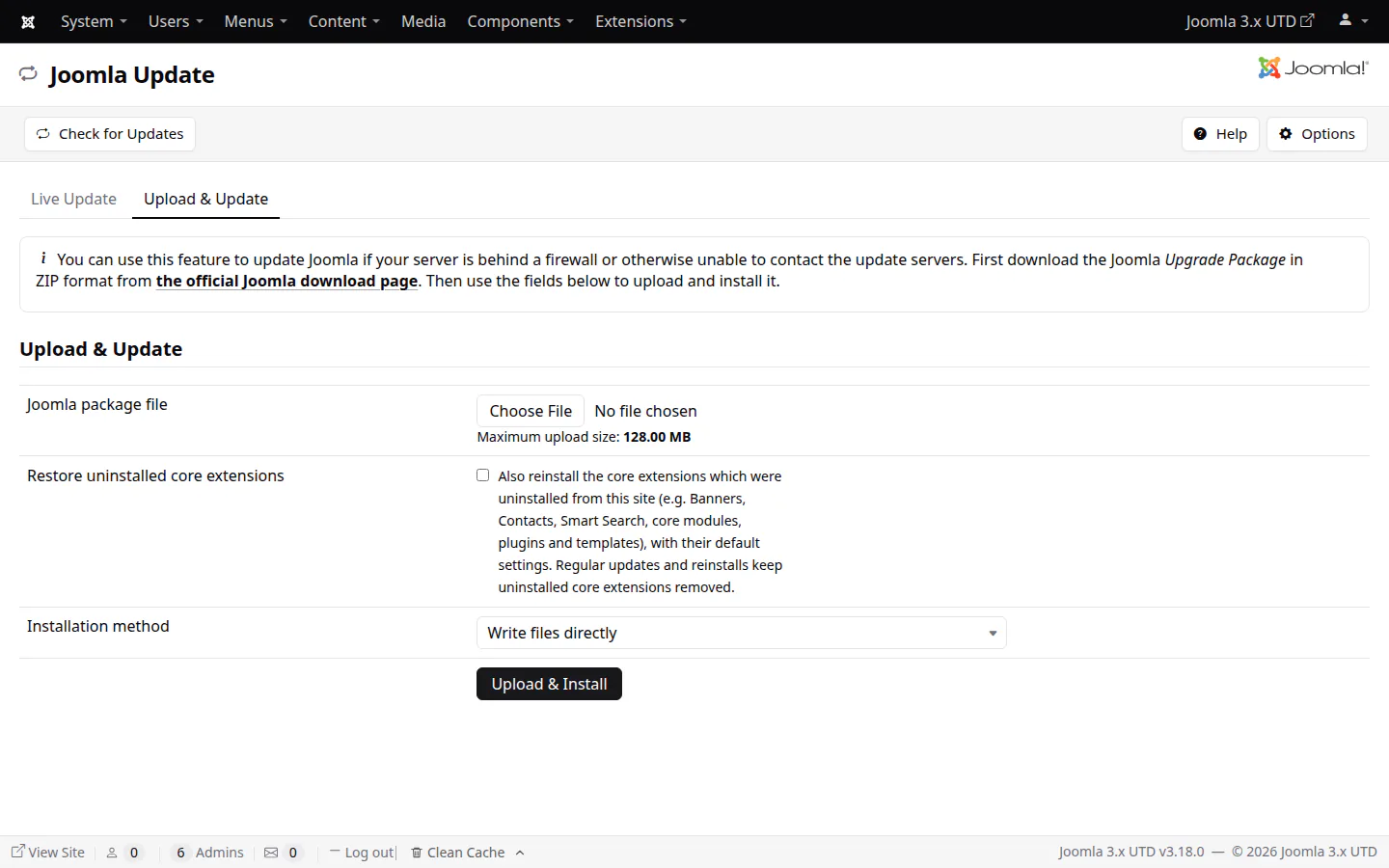
The installer (v3.17)What's New, in the backend (v3.17)TinyMCE 8 (v3.17)Clean Cache and Clean Everything (v3.17)Restore uninstalled core extensions (v3.16)Isis, lighter and responsive (v3.18)Isis — lists that fit (v3.18)Isis — the new login page (v3.17)Use custom cache time (v3.15)Sort by Author (v3.15)Smart Search results (v3.17–v3.18)Smart Search suggestions (v3.17–v3.18)
databases
Every major database
MySQL and MariaDB (native & PDO), PostgreSQL (native & PDO, fixed for PHP 8.1+), SQL Server & Azure SQL, all tested. MySQL 8.0, 8.4 and 9.x work on their default authentication, with no my.cnf changes.
The new SQLite driver runs Joomla's and your extensions' MySQL SQL unchanged, through WordPress' emulation layer. Spin up dev sites in seconds, or keep a site in Dropbox and pick it up on another machine.
Hammond for news, Finch for blogs and Rookwood for studios and companies. Plain CSS and JavaScript, no jQuery or Bootstrap, built for Core Web Vitals, each with its own sample data.
cli/joomla.php goes far beyond what Joomla's own command line offers: 101 commands for content, templates, databases, health checks and logs, with JSON output and dry runs everywhere. Users coming from Joomla 4 or newer will find the commands they know under the same names.
Claude, ChatGPT, Gemini, Qwen, Kimi, GLM and other AI assistants can work with your site through the Model Context Protocol. Read-only unless you allow more, and every change is logged.
The latest TinyMCE is the default editor of new sites: image uploads by dropping or pasting, a toolbar builder per user group, 61 languages. TinyMCE 4 stays as "legacy" for existing sites.
administrator
Quality of life
A new responsive login page, one-click Clean Cache in the status bar (plus Clean Everything and Global Check-in for administrators), Install from Web back as the first tab, and Help buttons that work again.
updates
What's new, in the backend
Post-installation Messages now tell the story of this distribution, one message per release since v3.11, instead of stock Joomla's notes from the 3.2–3.10 era.
php 8.5
Thousands of fixes
Long-standing bugs in the API sorted, database errors handled as Joomla expects on PHP 8.1+, and every PHP deprecation we could find removed — including thousands while Smart Search indexes.
Plain CSS instead of Less, its stylesheets a third of their former size, lists that fit narrow screens, and a new responsive login page.
modules
Use custom cache time
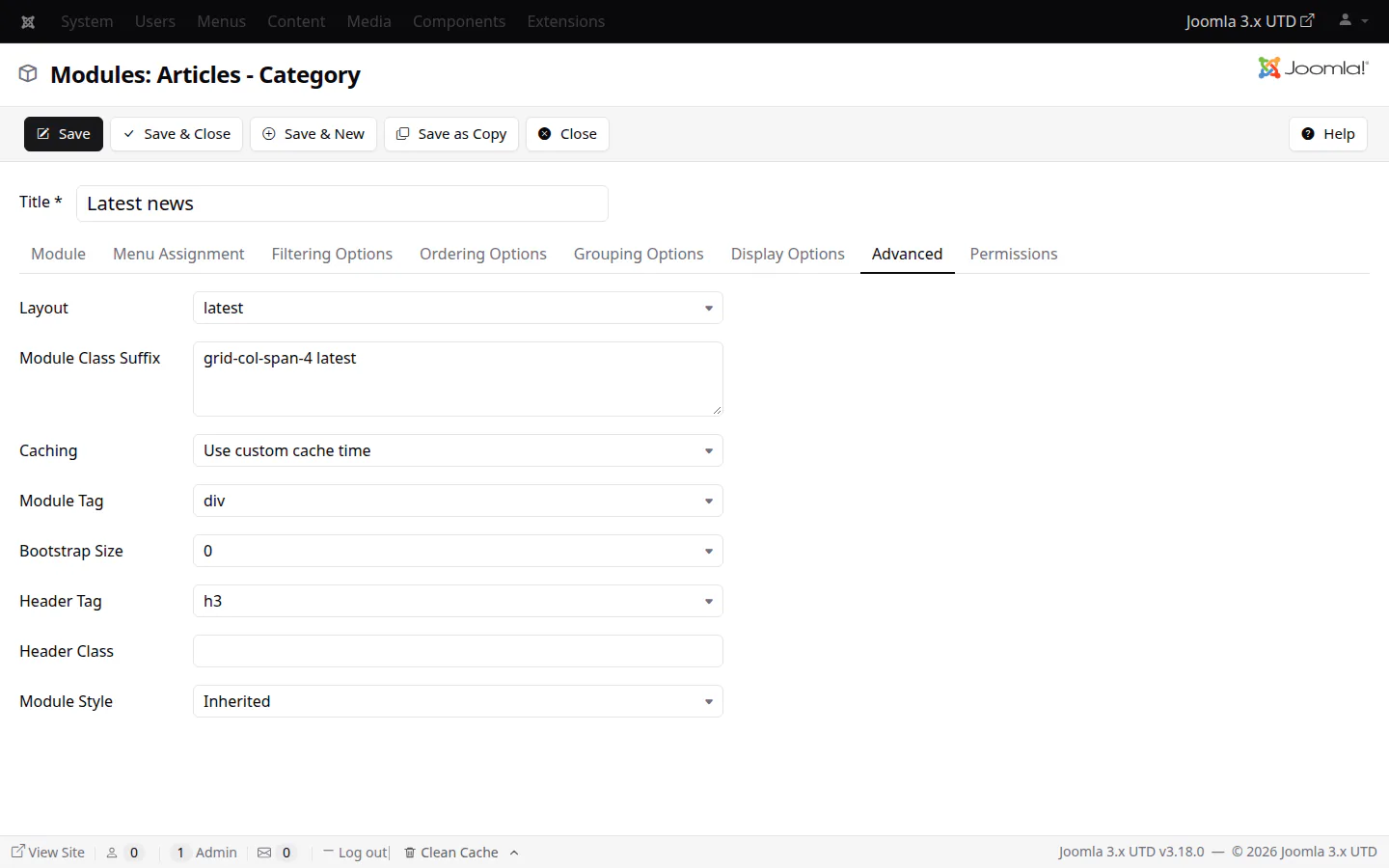
All 26 cache-capable core modules can have a cache time of their own, and Who's Online can be cached for the first time.
extensions
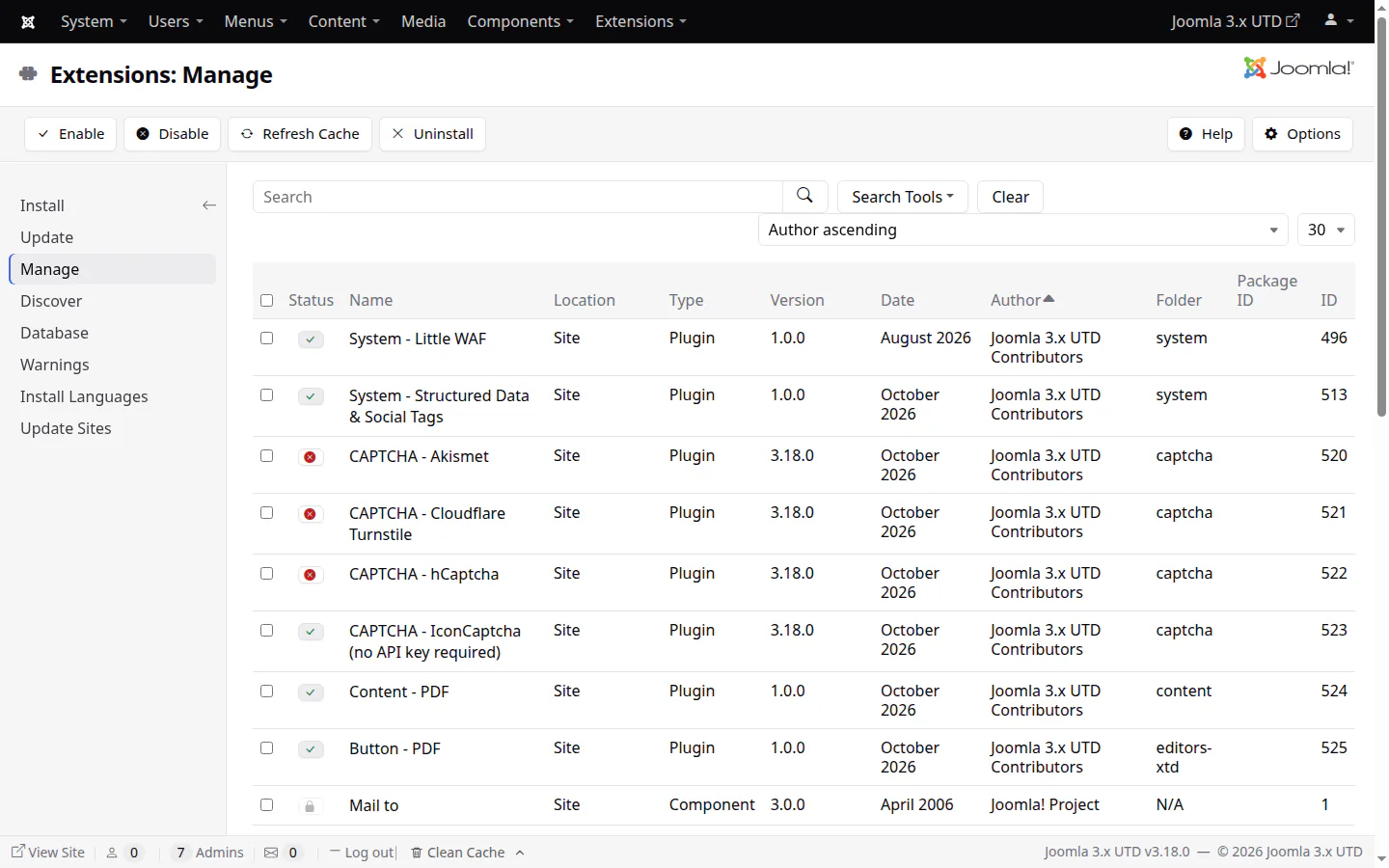
Sort by Author
Extensions: Manage sorts by author, to tell third-party extensions from core ones at a glance.
smart search
A Smart Search that keeps up
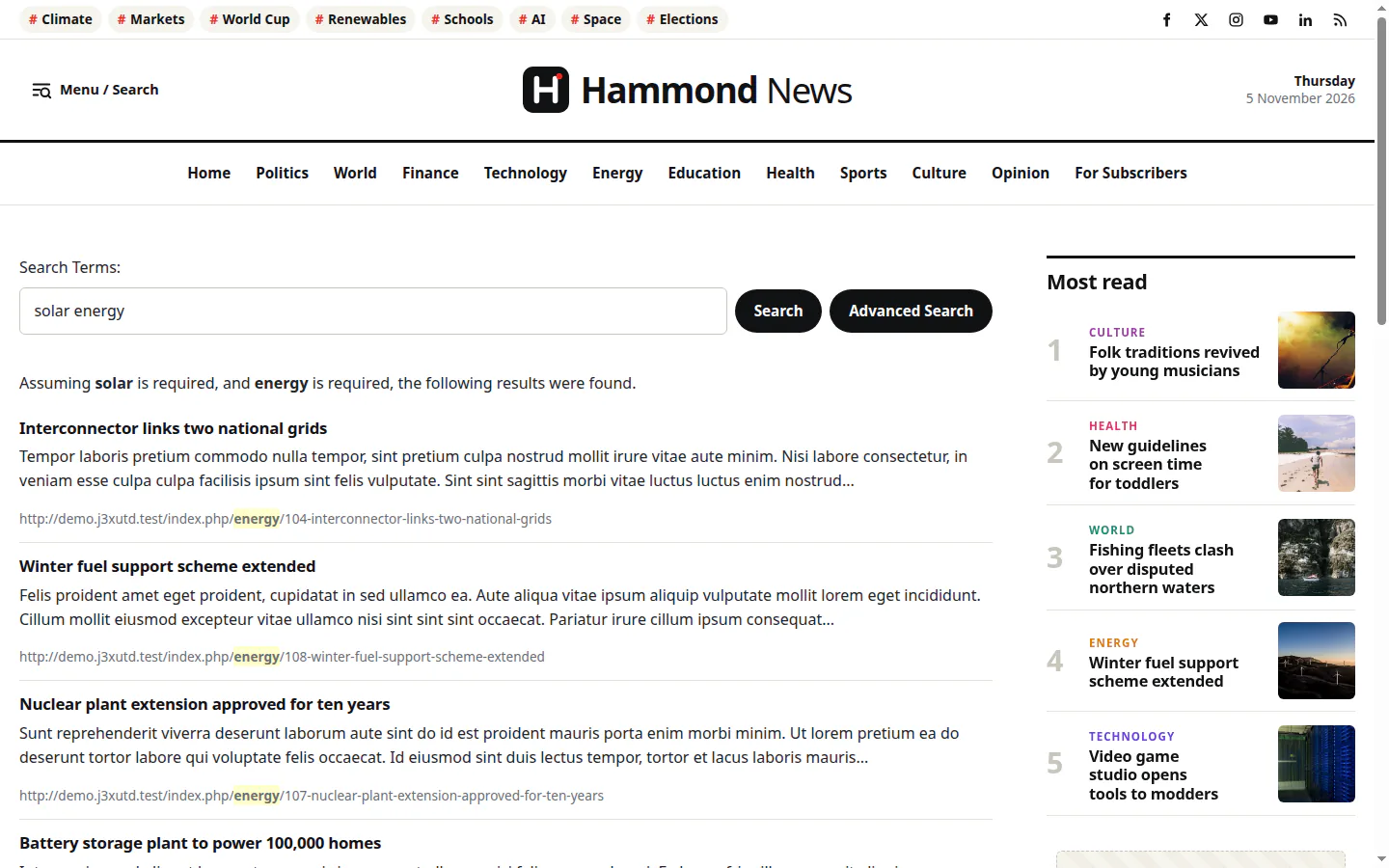
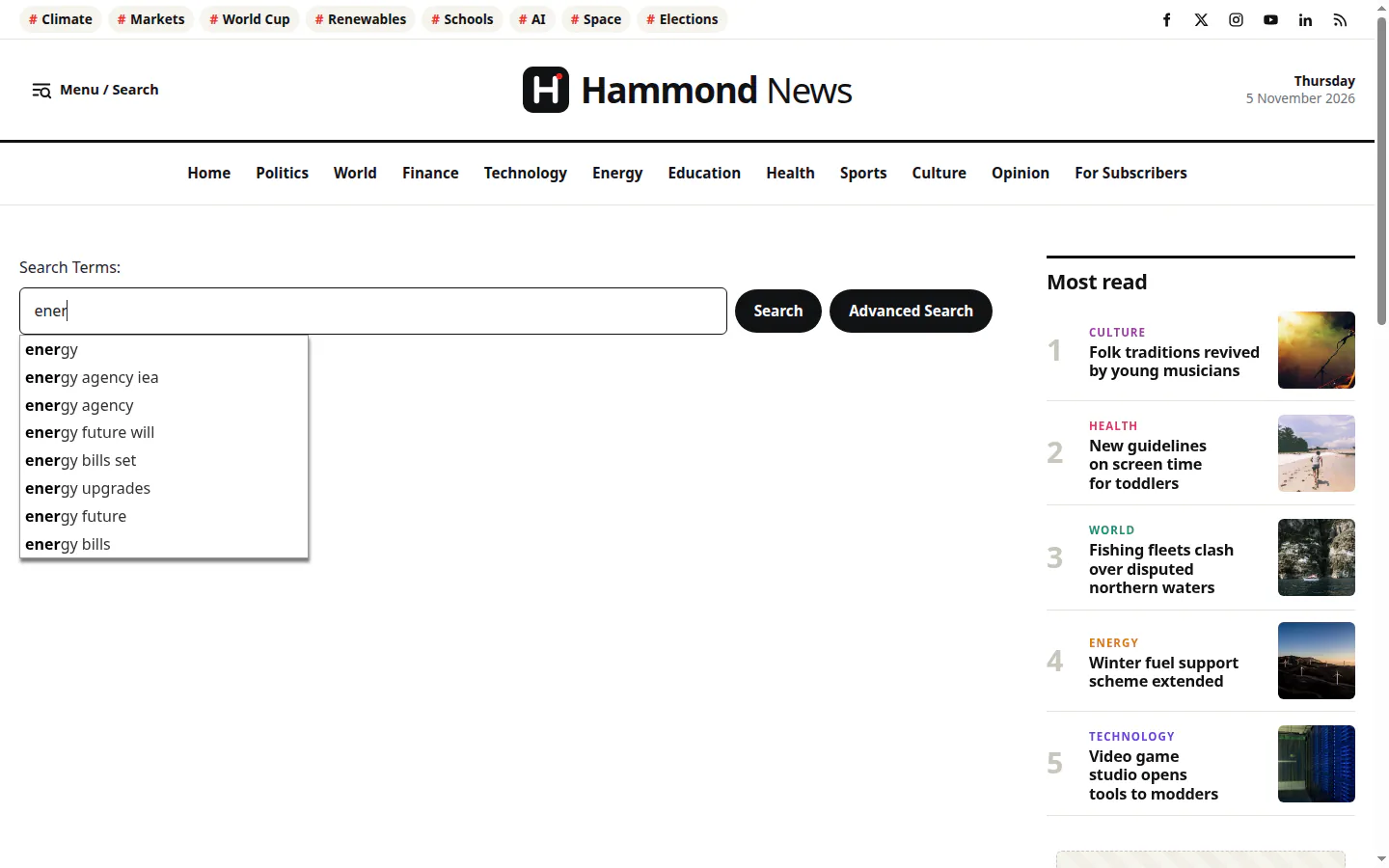
Full reindexes that finish on large sites, lookups without scanning whole tables, accents and international letters matched, and thousands of PHP 8 warnings gone.
updates
Uninstalled stays uninstalled
Joomla Update respects the core extensions you removed, and its "Restore uninstalled core extensions" option brings them back with their tables, menu items and settings.
// templates
Three new templates, ready on day one
Each template comes with a sample data set made for it, so a new site looks finished the moment it's installed. Pick a set in the installer, with core:install --sample-data=…, or switch sets later from the Control Panel. All three use core Joomla extensions only.
news portals & magazines
Hammond
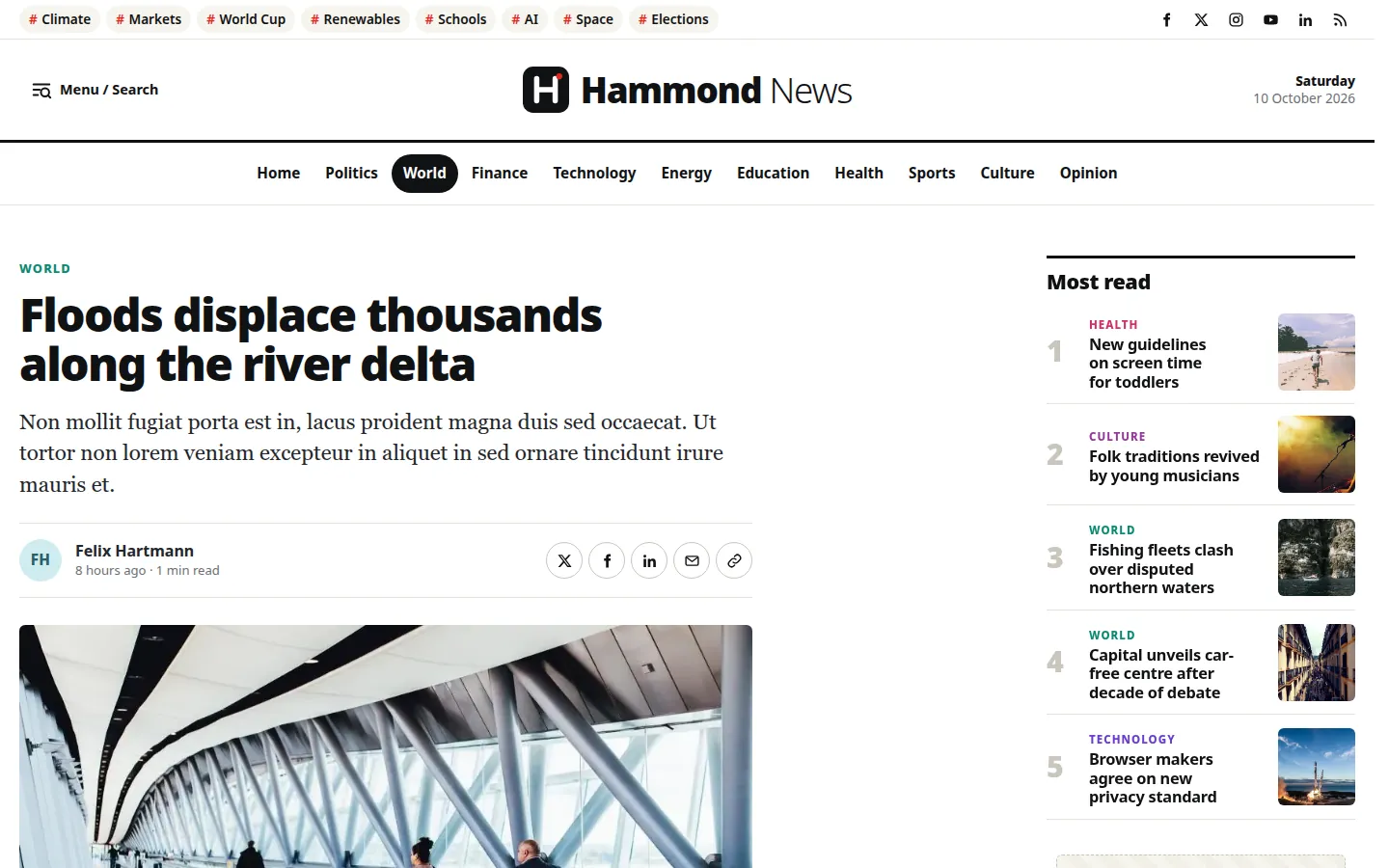
A newspaper front page built from modules: a lead story, latest news, sections, opinion and most read, on a 12-column grid you arrange from the Module Manager.
Sticky header with a combined menu and search panel
List, article and info page layouts, with share popups
Sized for readability, print-ready articles on A4
News sample data: 227 articles in ten sections, with tags, menus, modules, images, videos and posts. --sample-data=news
A colourful journal: a greeting set large on the home page, posts one after another with the newest on a band of colour, and a calm reading column for every post.
Every topic in its own colour, chosen with a menu item's Page Class
Light, dark, or as the visitor's device is set
Square shapes, very large type, and date stamps
Blog sample data: 20 essays by one author in four topics, with tags, pages and sidebar modules. --sample-data=blog
A bold presentation site: full-width sections, large type and vivid colours, with solid-edged buttons and cards, organic shapes and curved section edges.
Dark and light themes, with a switch for visitors
Showcase and Mosaic layouts for case studies and journals
Full-width sections from any module, styled by class
Studio sample data: 9 case studies, 16 journal posts, studio and contact pages, and a home page of sections. --sample-data=studio
According to market share estimates (as of May 2026), Joomla 3.x is currently used on more than 50% of all installed Joomla sites worldwide. However, official support for Joomla 3.x ended in February 2025 (counting the eLTS program).
So we're actively developing Joomla 3.x UTD as an up-to-date distribution of the Joomla 3.x content management system, built to ensure code security, support modern PHP & MySQL/MariaDB versions & fix any broken behaviour that never got sorted before the release of newer major versions of Joomla.
“
Half of all Joomla sites still run 3.x, and their owners shouldn't have to choose between rebuilding everything and running unpatched code. Joomla 3.x UTD keeps those sites secure and current, breathes new life into them with enhancements that matter and gives new projects a fast, simple CMS to start from.
Fotis EvangelouMaintainer · JoomlaWorks
// install
Upgrade in place. Or start fresh.
One rolling release, one download path that never changes. Point your backend at our update feed, extract on top of an existing Joomla 3.x site, or install a new one in about a second.
Extracting the zip manually? Remember to remove the /installation folder afterwards.
new sites
Fresh install
Extract the latest rolling release where you want the site to be and open it in a browser, or install from the command line on SQLite (PHP 7.4+ with pdo_sqlite), in an empty folder:
Add --sample-data=news, blog or studio. Built and tested for Linux/BSD; XAMPP or MAMP should work, but aren't tested.
// command line & ai
A CMS your scripts and AI assistants can drive
A command line built for automation from the ground up: 101 commands covering content, templates, databases, health checks and logs, every one with JSON output and dry runs. The built-in MCP server lets AI assistants such as Claude, ChatGPT or Gemini work with your site for you. Where Joomla 4 or newer has a command, ours keeps its name, so their users feel right at home.
Full content managementArticles, categories, tags, modules and menu items: list, create, change, publish, trash and delete, saved as the administrator saves them, acting as an account whose permissions apply (--as).
Templates, databases, healthTemplate files and options with undoable changes and backups, database:convert between MySQL, PostgreSQL and SQLite in any direction, site:health, logs and the action log.
Safe by defaultDry runs on every command that changes something. The MCP server is read-only unless you add --allow-write; anything that puts code on the server also needs --allow-code.
TraceableEvery change is recorded in the User Actions Log, as made through the command line or MCP. Secrets are masked, and server file paths are never offered to the assistant.
connect claude code
claude mcp add joomla -- php /path/to/site/cli/joomla.php mcp:serve
# let it make changes too: add --allow-write at the end# a site on another server: run it over sshclaude mcp add joomla -- ssh[email protected] php /path/to/site/cli/joomla.php mcp:serve
you, to your assistant
“Check the site's health, then draft an article about our autumn opening hours in the News category — leave it unpublished for me to review.”
It runs site:health, finds the category, and creates the article as an unpublished draft, logged in the User Actions Log.
// all 101 commands, by group
actionlog
actionlog:list
article
article:archive
article:create
article:delete
article:get
article:list
article:publish
article:trash
article:unpublish
article:update
cache
cache:clean
category
category:archive
category:create
category:delete
category:get
category:list
category:publish
category:trash
category:unpublish
category:update
config
config:get
config:list
config:set
core
core:install
core:update
core:update:channel
core:update:check
database
database:convert
database:export
database:import
database:optimize
extension
extension:disable
extension:discover
extension:discover:install
extension:discover:list
extension:enable
extension:install
extension:list
extension:reinstall
extension:remove
extension:update
finder
finder:index
help
help
list
log
log:list
log:tail
maintenance
maintenance:database
mcp
mcp:serve
media
media:optimize
menu
menu:item:create
menu:item:delete
menu:item:get
menu:item:list
menu:item:publish
menu:item:trash
menu:item:unpublish
menu:item:update
menu:list
module
module:create
module:delete
module:get
module:list
module:publish
module:trash
module:unpublish
module:update
session
session:gc
session:metadata:gc
site
site:down
site:health
site:info
site:up
tag
tag:archive
tag:create
tag:delete
tag:get
tag:list
tag:publish
tag:trash
tag:unpublish
tag:update
template
template:backup
template:backup:list
template:file:delete
template:file:get
template:file:list
template:file:set
template:info
template:list
template:restore
template:style:update
update
update:extensions:check
update:joomla:remove-old-files
user
user:add
user:addtogroup
user:block
user:delete
user:list
user:removefromgroup
user:reset-password
user:unblock
php cli/joomla.php help <command> shows a command's options and examples. Extensions can add commands of their own.
// compatibility
It runs where your sites already live
PHP 7.4 is the recommended baseline, not a hard cutoff. Older servers keep getting security patches while you plan the move.
PHP 8.5
Modern stacks
Compatible with PHP up to 8.5, MySQL 8.0, 8.4 and 9.x, current MariaDB, PostgreSQL 18 and SQLite. Deprecations are fixed as they're reported.
Sites on PHP 7.1 through 7.3 are still offered updates through the Joomla Update component. PHP 7.0 and below is not supported. Moving from 5.6 or 7.x to 7.4 is typically a safe switch — just check your extensions and templates aren't holding you back.
CentOS 7?
Stuck servers
A server hosting Joomla sites on PHP older than 7.2 may be stuck on CentOS 7/cPanel, no longer supported by either vendor. Switching to this distribution takes you closer to upgrading — e.g. AlmaLinux 8 with cPanel, or Ubuntu 22.04+ with Ondřej's PHP repos.
// databases
Supported databases
Joomla 3.x was always centred on MySQL/MariaDB. Since v3.17, all of its databases simply work: PostgreSQL and SQL Server are tested again, and SQLite is new. The core works on every one of them; many third-party extensions only ship MySQL/MariaDB database scripts, so check those before moving a site to PostgreSQL or SQL Server.
MySQL5.5.3 → 9.7 tested
MariaDB5.5 → 11.8 tested
PostgreSQL9.5 → 18 tested
SQL Server & Azure SQL2008 R2 → 2025 tested
SQLite3.37 → 3.46 tested · experimental
Database
Minimum
Highest tested
Status
MySQL
5.5.3
9.7
Tested and actively supported (5.7 or newer recommended); 8.0, 8.4 and 9.x on their default settings (8.4 and 9.7 tested)
MariaDB
5.5
11.8
Tested and actively supported (10.11 and 11.8 tested)
PostgreSQL
9.5
18
Tested with both drivers since v3.17 (16 or newer recommended, preferably 18)
SQL Server / Azure SQL
2008 R2
2025
Inherited from stock Joomla 3.x; tested since v3.17 on SQL Server 2022 with both drivers, and in v3.18 installs and updates on SQL Server 2025 (core only: few extensions support it)
SQLite new
3.37.0
3.46.1
Experimental, PHP 7.4+. Runs MySQL SQL through an emulation layer, so core and extensions work unchanged; tested on 3.37.2 and 3.46.1
The installer enforces these minimums. Once a site runs 3.16 or newer, it won't be offered further updates while its database is below them, and sees a notice in Joomla Update instead.
mysql 8.0 · 8.4 · 9.x
No native passwords needed
MySQL's default authentication since 8.0 (caching_sha2_password) is handled by PHP itself, so my.cnf needs no changes. MySQL 9 removed mysql_native_password: before upgrading, switch users created with it to the default.
sql
ALTER USER 'username'@'host' IDENTIFIED WITH caching_sha2_password BY 'password';
sqlite · experimental
The site in one file
SQLite runs in WAL mode: visitors keep reading while a write happens, and writes queue for their turn instead of failing. Most writes take milliseconds, and SQLite sites keep sessions in PHP, so browsing writes nothing to the database. With caching on, that makes it a practical choice for small to medium sites, not just development and testing. Sites with many simultaneous writers (busy shops, forums) are better on MySQL/MariaDB.
For maximum compatibility with Joomla 3.x extensions, in both MySQL and MariaDB. MariaDB keeps mysql_native_password as its default, which works as before.
A lighter core: Prothero, new editors, a better Media Manager and Little WAF on by default
A new administrator template, Markdown and Blocks editors with a switcher, PDF files, a Media Manager with drag and drop, cropping and previews, much more of the core removable, faster and sturdier caching, Redirects for any address, structured data, new CAPTCHAs, and no jQuery, MooTools or Bootstrap in the core.
v3.17October 10, 2026
Every database, three new templates, and a command line built for AI
Full support for every major database (with SQLite new and experimental), a brand new installer, three new templates with their own sample data, TinyMCE 8, and a command line with a built-in MCP server for AI assistants. Plus 22 security fixes.
v3.16October 3, 2026
Little WAF, a smarter Joomla Update, and a big deprecation sweep
Backported security fixes from Joomla 6.1/5.4, the opt-in Little WAF plugin, Joomla Update that respects uninstalled core extensions, and PHP 8.1–8.5 deprecations swept from 805 files.
v3.15July 18, 2026
13 CVE backports, module caching that finally respects your settings
13 CVE backports, module caching that finally respects Global Configuration, a custom cache time option on 26 core modules, and PHP 7.1–7.3 sites kept on the update channel.
v3.14July 4, 2026
PHP 8.5 deprecation fixes
PHP 8.5 deprecation fixes, and language file versions in line with the main version.
v3.13May 31, 2026
A tidier Isis admin
CSS view transitions in the Isis administrator template, obsolete CSS removed, and further PHP 8.x fixes.
v3.12May 21, 2026
Built-in update server
Updates delivered through the Joomla backend updater, legacy extensions removed, and more security patches from Joomla 4/5/6.
v3.11April 20, 2026
PHP 8.5 and the first CVE backports
PHP up to 8.5, better MySQL 8.x support, and the first backported CVE fixes after Joomla 3.10.20 eLTS.
// security
Security fixes, backported as they land
Every official Joomla security release is reviewed against this codebase. When the vulnerable code exists in 3.x, it gets fixed here — including issues listed upstream as affecting only Joomla 4.0 and later. And we audit 3.x ourselves: most of v3.17's 22 fixes were in stock Joomla 3 all along.
v3.18Media Manager uploads could land in a folder beside the media folder whose name starts the same way (images_old next to images)Stock Joomla 3
v3.18A file name with an executable extension inside it in capitals (x.SHTML.png) passed the upload checkStock Joomla 3
v3.18Extensions passing a value with a quote to the document head could add attributes to <link> tags, e.g. an onloadStock Joomla 3
v3.18TinyMCE updated to 8.10.1: a stored XSS through event handler attributes in its media plugin was fixed upstream in 8.9.3TinyMCE
v3.18jQuery UI updated to 1.14.2 (from 2013's 1.9.2) for its known XSS issues, still compatible with extensions written for 1.9jQuery UI
v3.18Hammond, Finch and Rookwood showed the full text of restricted articles to visitors without access, with "Show Unauthorised Links" onv3.17 templates
v3.18Command line: a database dump's table definition could carry other SQL into database:importv3.17 CLI
v3.18MCP server: --allow-write alone could create a Super User, and so install code through the administratorv3.17 MCP
v3.17Crafted packages could write files outside the site's folders, through Joomla Update's extraction, the extension installer or the archive code; such packages are now refused as a wholeStock Joomla 3
v3.17Anyone could run the installer again on an installed site while the installation folder remained; now only the browser that installed the site can go onStock Joomla 3
v3.17The configuration writer could put PHP code into configuration.php through a crafted setting nameStock Joomla 3
v3.17The installer's ownership check for remote databases could be skipped by going straight to the step that writes the configurationStock Joomla 3
v3.17MySQL (PDO) and PostgreSQL drivers ran several SQL statements given at once; every driver now runs one, like "mysqli"Stock Joomla 3
v3.17{loadmoduleid} showed any module to anyone, whatever its access level or publishing datesSince 3.12
v3.17Setting the Super User's group in the installer could put every user into the Super Users group when the mapping already existedInstaller
v3.17The module edit form's ordering list could be read by anyone, listing the titles of the modules in any positionStock Joomla 3
v3.17FOF's download class read local files (file://) and could write outside the temporary folderStock Joomla 3
v3.17Query limits and offsets were written into the SQL as passed, on every database driverStock Joomla 3
v3.17PostgreSQL connection settings weren't quoted, and the PDO drivers accepted connection settings that could add settings of their ownStock Joomla 3
v3.17Usernames differing only in case could be registered on PostgreSQLStock Joomla 3
v3.17Joomla Update showed the update feed's values unescaped; Install from URL and Install from Web accepted download addresses other than http/httpsStock Joomla 3
v3.17Little WAF now also checks form data and encoded spellings of the tags, and works on servers without REQUEST_URIJoomla 3.x UTD
v3.17Command line: database:convert's temporary copy and the backup folders' intermediate levels are now protected from the webJoomla 3.x UTD
v3.16Guest account creation via the frontend profile-save action, even with user registration disabledJoomla 6.1 / 5.4
v3.16Arbitrary directory deletion through a path traversal in the file cache's group handlingJoomla 6.1 / 5.4
v3.16Two XSS-filter bypasses using HTML5 entities and unterminated numeric referencesJoomla 6.1 / 5.4
v3.16SSRF: feed, SEF-domain, user-profile website and custom update URL fields restricted to web URL schemesJoomla 6.1 / 5.4
v3.16Tagged items in access-restricted categories leaking through tag views and the "Tags - Popular"/"Tags - Similar" modulesJoomla 6.1 / 5.4
v3.16HTTP header injection via an unescaped filename in the banner-tracking download and the contact vCard exportJoomla 6.1 / 5.4
v3.16XSS gaps in JHtml::link()/JHtml::iframe(), the module manager's position column, the toolbar link button and the generic image layout's attribute namesJoomla 6.1 / 5.4
v3.16Missing per-item edit-permission checks in the category and custom-field batch-copy actionsJoomla 6.1 / 5.4
v3.16A missing access check on the second record of a content history comparisonJoomla 6.1 / 5.4
v3.16A missing SHTML file extension in the Template Manager's upload blacklistJoomla 6.1 / 5.4
v3.15Local file inclusion (LFI) via the view layout parameterCVE-2026-40383
v3.15SQL injection in the com_tags "all tags" list orderingCVE-2026-352212
v3.15Privilege-escalation XSS via language overrides by non-Super-Users with delegated translation accessCVE-2026-48954
v3.15XSS in the template manager's file/image/font editor — three code paths fixed where the official fix covered oneCVE-2026-48950
v3.15Unescaped attribute output in the generic image layout used by extensionsCVE-2026-48953
v3.15Reflected XSS in the com_installer update list viewCVE-2026-48952
v3.15Stored XSS in the content history preview screenCVE-2026-30894
v3.15Password/username reset links sent over plain HTTP even on HTTPS-only sitesCVE-2026-48902
v3.15Access-control bypass allowing anyone to download restricted contacts' vCards in com_contactCVE-2026-48948
Little WAF. An opt-in system plugin (since v3.16) that filters known attack signatures against abandoned or historically vulnerable third-party extensions before any component runs, with filters for Sourcerer-style {source} URL injection and Modules Anywhere-style {module}/{modulepos} tags. Since v3.17 it also checks form data and encoded spellings, and each filter only acts while its extension is installed. Disabled by default; more filters will be added over time.
Advisories that don't apply — because the vulnerable feature doesn't exist in 3.x — and issues already covered by earlier hardening are documented in the changelog as well.
// voices
From the people running it
Site owners, agencies and hosts on moving their Joomla 3.x sites to UTD.
placeholder content
IMGName SurnameAgency · 40 client sites
Testimonial from an agency about upgrading client sites in place, and what it saved compared to a full migration.
IMGName SurnameHosting provider
Testimonial from a hosting company about finally retiring old PHP versions and servers across their fleet.
IMGName SurnameSite owner
Short testimonial from a small site owner on how simple the backend update was.
// long-term plan · a different project
A leaner fork is on the way
A new fork based on Joomla 3.x is a work in progress — but very, very active. When released, it will feature:
01 · core
Stripped down
Joomla 3.x with all non-essential extensions removed.
02 · php
PHP 7.4 → 8.x
Fully compatible with PHP versions from 7.4 to 8.x and so on.
03 · database
First-class databases
First-class support for MySQL, MariaDB, PostgreSQL and SQLite. The SQL Server and Azure SQL drivers will be dropped.
04 · content
K2 for content
com_content and anything related is removed entirely, decoupling content features from a solid CMS base that keeps true backwards compatibility with past releases of the fork.
05 · admin
Admin refresh
A refreshed administrator experience.
06 · js
Modern JS only
Further JavaScript work: clean-room versions of the scripts we ported from jQuery and MooTools, for a smaller payload overall, and possibly htmx in the administrator for a desktop-like feel.
07 · future
Built to last
Gradual codebase modernization to support future PHP & MySQL/MariaDB versions without much effort.
08 · agentic
A truly agentic CMS
AI agents working alongside editors, developers and site owners. The command line and MCP server of Joomla 3.x UTD are the seed: the integrations to come grow from them.
// community
Get involved
This is a community effort. Report bugs, contribute fixes, or ask the codebase directly.